Trace Australian GST from NetSuite Transactions to the BAS
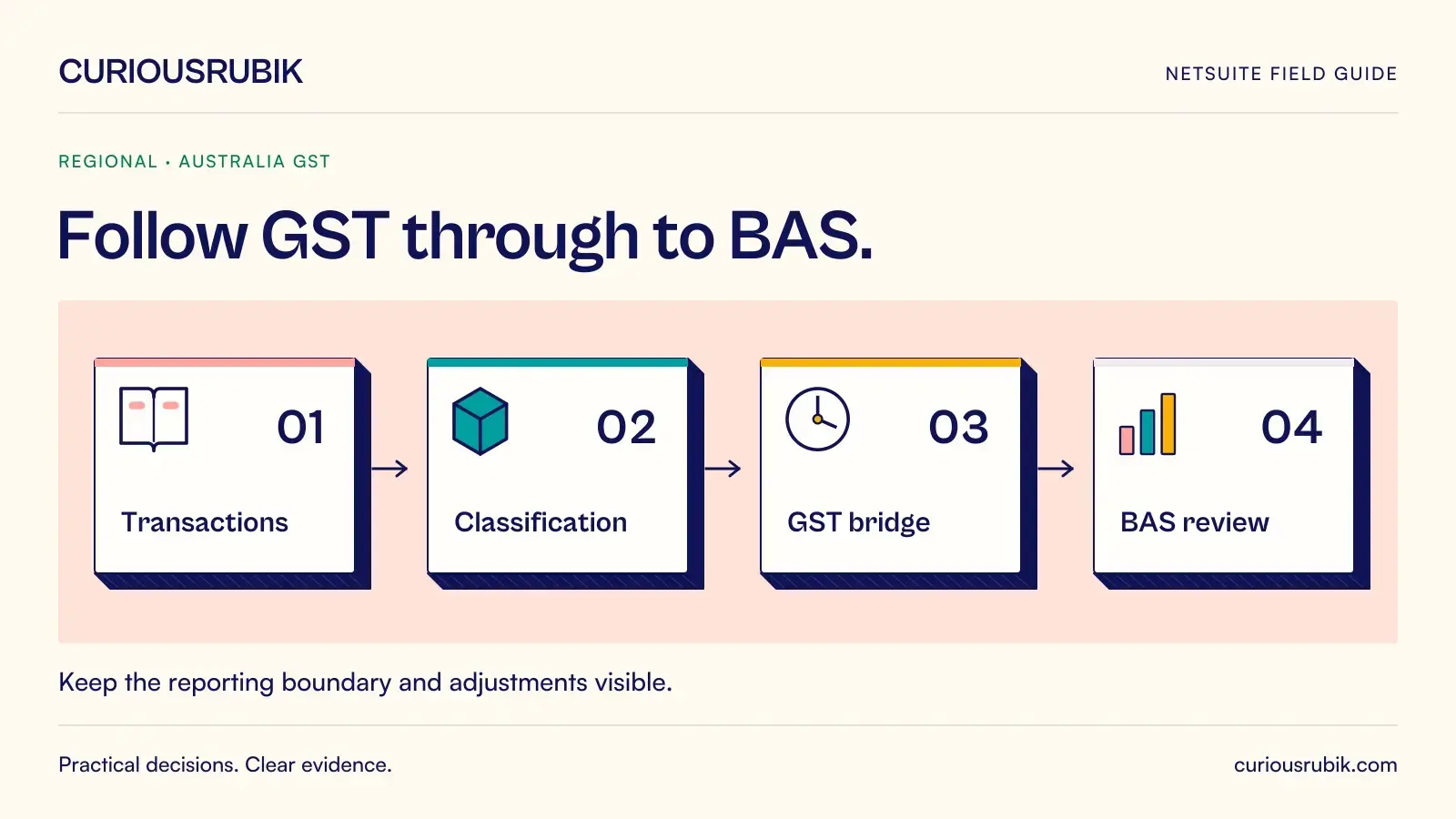
A business activity statement review becomes easier when the finance team can move from a reported figure to the transactions and adjustments behind it. A difference should lead to a specific investigation, rather than a late journal designed to make two totals match.
For NetSuite, build the reconciliation around the approved GST reporting basis, transaction population and submission route. Keep the GST bridge separate from other BAS obligations so a successful tax report is not mistaken for a complete activity statement.
Define the reporting scope before extracting data
Record the Australian entity, reporting period, registration, reporting basis and reporting method. Confirm the tax configuration and the report or localisation route used in the account. Retain the material report settings with the reconciliation.
Cash and non-cash GST accounting can produce different timing outcomes. Finance should confirm the basis applicable to the business and how payments, invoices and corrections enter the reporting population. A report filtered to the general-ledger posting month may not answer that question.
Also identify the BAS labels relevant to the business and the information prepared outside NetSuite. Payroll withholding or other obligations may require separate inputs. The GST reconciliation supports its defined part of the statement; it does not establish the accuracy of every other label.
Prove the population is complete
Retain a transaction-level extract with entity, document identifier, relevant dates, currency, tax classification, taxable amount and tax amount. Include a traceable relationship to credit notes, adjustments and payments where the reporting design requires them.
Check counts and totals against the source reports used in the approved process. Review filters for subsidiaries, transaction types, status and dates. A missing document category can be more important than a small rounding difference in a fully included category.
Perform a boundary check on transactions around period end. Explain why each selected example belongs in the current or a later report. Keep that explanation with the working papers, particularly where invoice and payment dates fall in different periods.
Investigate classification before arithmetic
Review the population by relevant tax classifications and document types. Look for unusual tax codes, manual postings to tax accounts and transactions whose commercial description conflicts with their configured treatment.
A zero tax amount can represent several different situations. Do not infer the correct classification from the amount alone. The business may need distinct treatment for transactions with different legal or reporting characteristics even when their immediate tax amount is the same.
Where an exception requires tax judgement, obtain a decision from the appropriately qualified reviewer. Record whether the correction belongs in the source transaction, an approved adjustment or another reporting period. Changing a report formula is not a safe substitute for deciding which record is wrong.
Build an illustrative GST bridge
The following example demonstrates reconciliation arithmetic only. It does not determine whether a purchase is creditable, prescribe a tax rate or specify the reporting labels applicable to a particular business.
Assume the reviewed sales population contains AUD 24,600 of GST on sales. An approved correction reduces that amount by AUD 400, leaving AUD 24,200. The reviewed purchase population contains AUD 15,300 of GST, but the reviewer excludes AUD 500 from the amount claimed. The resulting GST on purchases is AUD 14,800.
The net GST amount on those assumptions is AUD 9,400: AUD 24,200 less AUD 14,800. Each adjustment needs its own supporting record. The AUD 400 correction should identify the affected sale and reporting treatment. The AUD 500 exclusion should explain the decision without exposing unnecessary sensitive information.
If the draft report shows AUD 8,900, investigate the AUD 500 difference. Check whether the purchase exclusion was omitted, applied with the wrong sign or already reflected in the source extract. The amount suggests a line of enquiry; it does not justify a balancing entry without evidence.
A bridge should also show other approved adjustments when they apply. Do not force a complex business into this simplified example. Expand the structure while keeping every line traceable.
Reconcile the ledger on a defined basis
Compare the tax report with the relevant tax-account activity or balances using a clearly stated starting point. Document timing, scope and adjustment differences. A balance-sheet account can include amounts from earlier periods, so it may not equal the current period's net GST result.
Give each reconciling item an owner, age and expected clearing event. A legitimate timing item should move through the process. If it remains for several reporting cycles, investigate whether the original explanation still holds.
Avoid adjusting the ledger merely because the report looks more familiar. Determine the correct treatment, identify the affected record and follow the approval process for the correction. Retain both the original evidence and the approved change.
Control the final review and lodgement handoff
Freeze the reviewed data snapshot and record the preparer, reviewer and approval time. Retain the source population, classification exceptions, signed adjustments, ledger bridge and final report output. A colleague should be able to reproduce the reasoning without relying on the preparer's memory.
Then record the handoff to the approved lodgement route. Verify the figures actually submitted and retain the resulting acknowledgement or status. A completed export proves only that a file was created; it does not prove lodgement.
If the source period changes after review, assess the effect before using the earlier approval. A late credit note or a revised payroll input may affect the statement or its supporting evidence. The controlled response depends on the type of change and the applicable correction process.
Make the next period easier
Classify recurring exceptions by cause: master data, configuration, user process or reporting logic. Fix the highest-impact causes through controlled changes and retest affected scenarios. Reconciliation should improve the process rather than become a permanent monthly exercise in repairing the same errors.
Keep a short log of changes to the report route, tax setup and reviewer decisions. This helps a new preparer understand why the current design differs from an older working paper.
Common BAS reconciliation questions
Does the NetSuite GST report cover the entire BAS?
Confirm the scope of your selected report and route. Other BAS obligations may require separate information, review and reconciliation.
Why can a paid invoice appear in a different reporting period?
The outcome depends on the approved GST accounting basis and timing rules. Trace the invoice, payment and configured report treatment rather than assuming the posting month controls everything.
Should tax-account balances equal the current return?
Not automatically. Define whether you are comparing balances or movements, then explain prior-period, timing and approved adjustment items.
Who approves unusual tax treatment?
Use a qualified Australian tax reviewer for the judgement and the system owner for controlled implementation. Retain the decision and its test evidence together.
CuriousRubik can help your finance team frame a traceable NetSuite reporting and reconciliation process. Confirm tax treatment and lodgement decisions with your qualified adviser before applying changes.