Reconcile Singapore GST Reporting in NetSuite from Transactions to the Return
A GST return can look plausible while concealing a missing credit note, a transaction in the wrong reporting period or an adjustment entered twice. Reviewing only the final payable amount makes those differences difficult to locate.
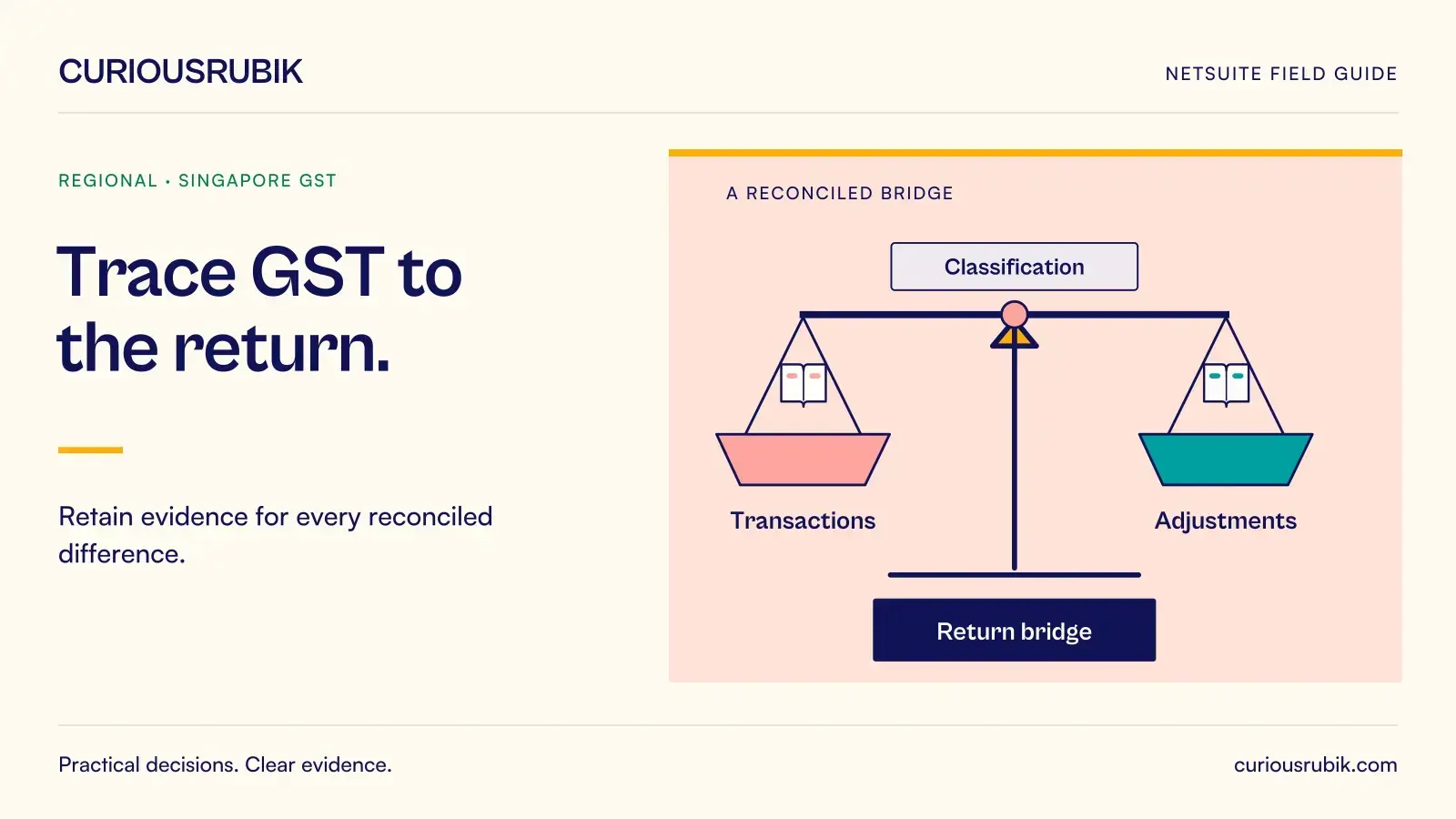
A stronger NetSuite reporting process builds a bridge from the transaction population to the return. Every adjustment has a reason, an owner and supporting evidence. The bridge also records the tax configuration used to produce the result, so a future reviewer can reproduce the calculation rather than merely recognise the total.
Fix the reporting boundary first
Before extracting data, record the Singapore entity, registration, reporting period, reporting currency and configured tax route. Confirm whether the account uses SuiteTax and which localisation or reporting components are involved. Keep the report version and material settings with the working papers.
Do not assume that all documents posted in the accounting month belong in the same GST reporting population. Finance should confirm the relevant timing rules and how the configured report applies them. Payment timing, document date, posting period and correction timing may need separate analysis for particular cases.
Write down the treatment of late transactions and reopened periods. If one person reruns a report after an adjustment while another reviews an earlier extract, both can believe they are using the final numbers. A named reporting snapshot and controlled refresh process prevent that confusion.
Establish a complete source population
Extract the transactions that feed the return and retain enough detail to trace each amount. Useful fields include entity, transaction identifier, document type, relevant dates, currency, taxable amount, tax code, tax amount and any adjustment reference.
Check the extraction itself before evaluating tax treatment. Reconcile record counts and totals to the defined source reports. Identify excluded transaction types and explain why they are excluded. A filter that silently omits credit notes can produce a clean-looking file with a material error.
Keep sales, purchases and corrections distinguishable. The purpose is not to create a large spreadsheet for its own sake. It is to make a difference locatable. When a reviewer challenges a return figure, the preparer should be able to identify the contributing transactions and the logic used to include them.
Review classifications before changing amounts
Group the extracted population by the tax classifications relevant to the approved design. Investigate unusual combinations, such as a document type using an unexpected tax code, a foreign-currency transaction lacking the required conversion treatment or a manual journal affecting a tax control account.
Ask whether each exception is a data error, a configuration issue or a legitimate transaction requiring specialised treatment. Those categories need different responses. Correcting a customer record will not necessarily repair an already posted invoice. Changing a report filter may hide the symptom without fixing the transaction.
Where tax judgement is required, obtain a decision from the qualified local reviewer and retain the reasoning with the adjustment. The ERP can apply a configured treatment consistently; it cannot make an unsupported treatment appropriate merely because the return balances.
Build a numerical bridge with signed adjustments
The following figures are an illustrative control example only. They do not prescribe tax rates, return-box treatment or whether a particular purchase is claimable.
Assume the reviewed sales population contains SGD 18,400 of output tax and an approved sales correction reduces that amount by SGD 460. The resulting output-tax total is SGD 17,940. The reviewed purchase population contains SGD 11,700 of input tax, of which SGD 300 is excluded from the claim after review. The resulting input-tax total is SGD 11,400.
On those assumptions, the net amount is SGD 6,540: SGD 17,940 less SGD 11,400. The preparer should be able to show the transactions behind the starting amounts, the correction supporting SGD 460 and the explanation for the SGD 300 exclusion.
Now imagine the draft return shows SGD 6,080. The difference is SGD 460, the same amount as the sales correction. That is a clue to investigate duplication, not proof of the cause. Check whether the source population already included the credit and the adjustment bridge deducted it again. Resolve the underlying sequence before changing the return total.
Reconcile the return and ledger without forcing equality
The tax control accounts and return may differ for explainable reasons, including scope, timing and approved adjustments. Use a reconciliation that starts from a defined ledger balance or movement and identifies each reconciling item with its direction and expected resolution.
Avoid posting a journal simply to remove an unexplained difference. An entry can make two totals match while leaving the tax report population incorrect. First establish which side reflects the intended treatment and which record needs correction.
Age open reconciling items. A timing difference should have an expected clearing event, such as inclusion in a later reporting period. When it does not clear, reopen the investigation rather than carrying the same explanation indefinitely.
Close the review with a reproducible evidence pack
The final pack should contain the reporting boundary, source snapshot, classification review, signed adjustment bridge, ledger reconciliation and approved return output. Add the preparer and reviewer decisions, including unresolved matters accepted within their authority.
Keep submission evidence separate from the calculation pack. A successfully generated report is different from a successfully submitted return. Record the actual submission status and reference through the approved route, and retain the version that was filed.
After filing, control changes to the underlying period. When a later correction is required, follow the entity's approved tax process and preserve the relationship to the original working papers. Quietly replacing the earlier file weakens the audit trail.
Common reconciliation questions
Should the tax control account always equal the return?
Not necessarily at every point in time. Define the comparison and explain timing, scope and approved adjustments. Unexplained differences still need investigation before the return is approved.
Can a saved search replace the configured GST report?
A search can support reconciliation, but its scope and calculation must be validated. Do not treat an independently built extract as a filing solution without confirming the approved reporting route.
What is the most useful first exception check?
Review credit notes, manual tax-account entries and transactions near the reporting boundary. These are targeted tests, not a substitute for checking completeness across the full population.
Who should approve a tax-code change?
The owner of tax policy should confirm the treatment, and the system owner should control implementation and testing. Retain evidence that the change affects the intended transactions and reports.
How should foreign-currency differences be handled?
Record the required conversion approach and reconcile the amounts actually used in the report. The correct treatment should be confirmed for the entity and transaction rather than inferred from a group reporting rate.
CuriousRubik can help structure the NetSuite reporting and reconciliation questions for your finance team. Have your qualified Singapore tax adviser confirm treatments and filing decisions before they are implemented.