NetSuite Singapore Implementation That Proves GST and InvoiceNow Readiness
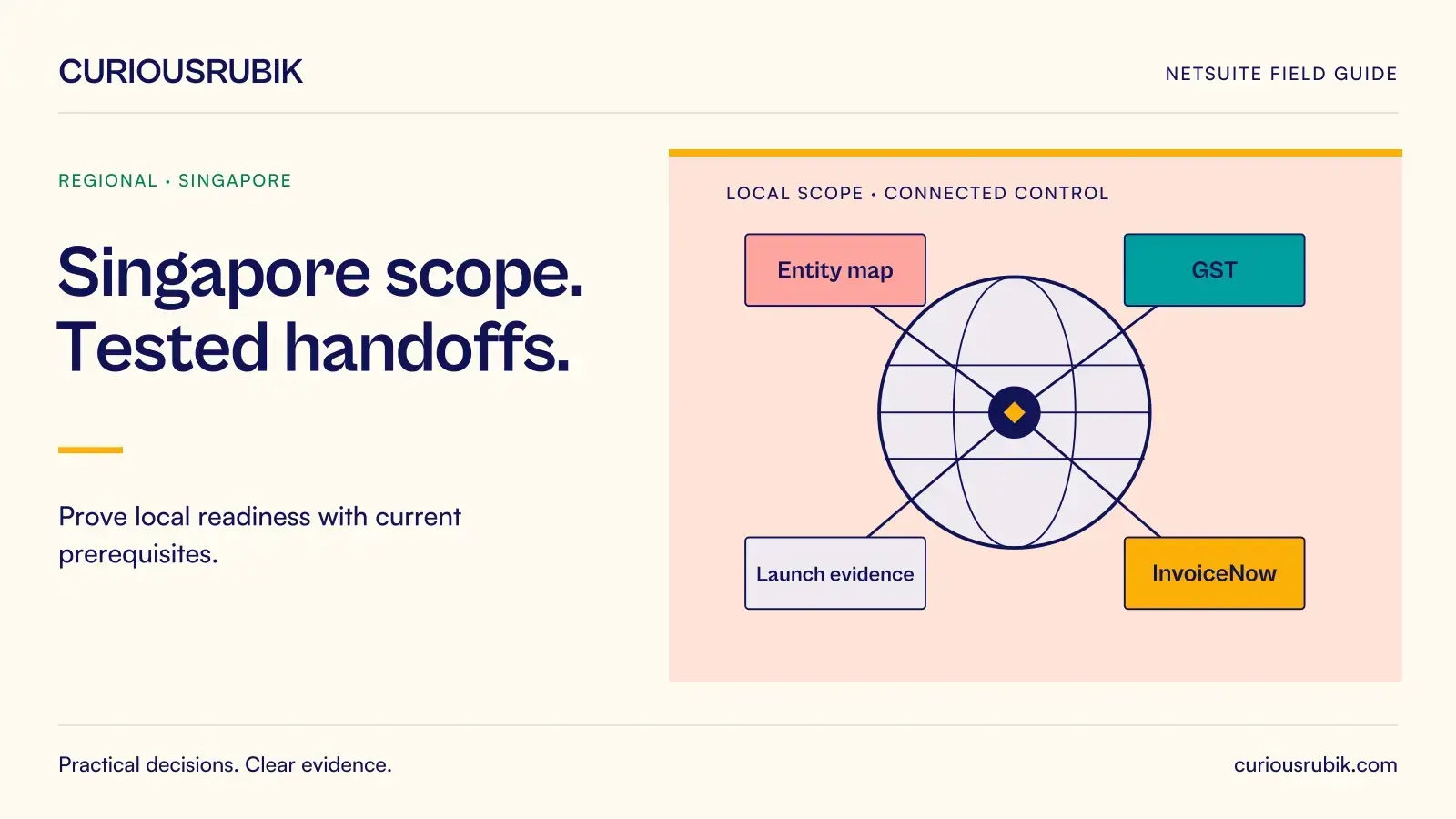
A Singapore NetSuite implementation needs two kinds of evidence before go live. Finance must be able to explain how transactions become the GST return. The invoicing team must be able to show what happened to each electronic invoice after it left the ERP. A successful demonstration of one does not prove the other.
Begin with a small acceptance pack that follows an invoice through its full journey. Give the pack an owner, a configuration date and a clear list of entities. This keeps discussions about localisation grounded in the transactions your business actually processes.
Start with the entity and registration map
List each legal entity, its GST registration, operating currency, invoice issuer and reporting responsibility. Record which entities will use NetSuite at launch and which will continue in another system. Include branches, shared-service arrangements and intercompany transactions where they affect documents or approvals.
Identify the responsible entity. A Singapore headquarters may process another country's bill without being the purchaser; posting it to the wrong subsidiary distorts the accounts and tax trail.
Map customer invoices, credit notes, supplier bills, employee expenses, import purchases and intercompany charges to their entities and tax reviewers. Log unresolved treatment with a decision owner and deadline before testing.
Establish the tax configuration before designing reports
Confirm whether the account uses SuiteTax or a different supported tax configuration. Record the installed localisation components, report route and relevant dependencies. Similar-looking return outputs can depend on different underlying setup.
Use a configuration record that answers five questions:
- Which tax engine and localisation route are in scope?
- Which subsidiary and registration does each report represent?
- Who maintains tax codes and approves changes?
- Which transaction date and period determine inclusion?
- How are corrections recorded and traced into the return?
Test common sales and purchases, a credit note, a foreign-currency document and material special treatments selected by the local tax reviewer. Include the transactions behind recurring exceptions.
Separate invoice exchange from tax data reporting
InvoiceNow readiness has a delivery dimension and a reporting dimension. Sending structured invoice data to a customer through the network does not, on its own, demonstrate that all required tax data has reached the intended reporting destination.
Confirm the requirements applicable to the entity and its implementation phase. Record the solution route, provider responsibilities, onboarding dependencies and the evidence each party can supply. Product availability, an installed connector and completed entity onboarding are separate milestones.
For each test invoice, retain the business document identifier, outbound message identifier, processing status and any acknowledgement required by the agreed route. Define what a rejection means operationally. It might require a master-data correction, a different transaction treatment or an interface repair. Those actions belong to different owners.
Avoid a single dashboard label that combines queued, transmitted and accepted documents into “sent.” Finance needs to know which step remains incomplete and whether a customer can act on the invoice.
Use a small rehearsal that exposes the handoffs
Consider an illustrative Singapore distributor issuing three invoices and one credit note during a rehearsal. The first invoice completes all expected steps. The second fails because the customer's electronic address is missing. The third reaches the customer route but its reporting status remains unresolved. The credit note refers to an earlier invoice.
Assign each outcome: customer service corrects the address through approved master-data controls; the integration owner traces the unresolved status by message reference; finance checks the credit note's original reference and reporting inclusion.
Reconcile all four documents against the outbound population and final statuses. Verify that retries create no duplicate documents or ledger entries. Preserve the correction history to distinguish repaired submissions from newly issued documents.
A dated prerequisite checklist
The following planning checklist was prepared on 7 October 2026. It defines evidence to obtain; it does not certify a particular entity's readiness. Confirm current applicability and component requirements when the project approves its design.
| Prerequisite | Responsible role | Evidence required before acceptance |
|---|---|---|
| Entity and registration scope | Singapore finance lead | Approved entity and GST registration map |
| Tax and localisation route | NetSuite solution owner | Recorded engine, components and relevant dependencies |
| Applicable InvoiceNow phase | Local tax reviewer | Dated applicability decision for the entity |
| Service onboarding | Integration and provider owners | Confirmed onboarding and tested document route |
| Rejection recovery | Finance and integration owners | Corrected test message with no duplicate business transaction |
For each row, add the actual review date, evidence reference and unresolved decision in your project copy. Recheck the affected rows after a material configuration or programme change.
Set launch gates that can be inspected
Name the evidence and approver for each launch gate. For GST, require finance to reconcile the transaction pack to the agreed return output and resolve material differences.
Use the same approach for invoicing:
- Required entity onboarding is complete for the launch scope.
- The approved document fields appear correctly on representative outputs.
- Delivery and reporting statuses can be distinguished and reconciled.
- Rejected messages can be corrected and retried without duplication.
- Named staff can support the first operating days and reporting cycle.
Approve an interface fallback with a named authoriser, retained evidence and reconciliation plan. Check it against the entity's obligations; a manual PDF may not satisfy a required electronic process.
Keep the evidence current after launch
Keep the accepted configuration, tests and operating instructions together. Repeat affected tests when a localisation component, tax setup or provider interface changes; earlier approval does not validate an unreviewed change.
During the first reporting cycle, reconcile unresolved invoice statuses with finance exceptions and investigate timing or scope differences before filing.
Questions finance teams ask
Does an electronic invoice prove GST reporting is complete?
No. Confirm what each status means in your chosen route and retain separate evidence for delivery and any required reporting. A transport acknowledgement may prove only that an intermediary received the message.
Can we decide the tax engine after building the return?
It is safer to establish the tax and localisation route first. Otherwise report mappings, test data and integrations may need redesign when the underlying configuration changes.
Must every regional entity follow the Singapore design?
Use common controls where they help, but approve each entity's local documents, registrations and reporting responsibilities separately. Shared software does not make country obligations identical.
What should the local reviewer sign off?
The applicable requirements, representative transaction treatment, document content, return reconciliation and unresolved exceptions within their remit. Keep the scope of that approval explicit.
What is the next practical step?
Choose one ordinary sale, one correction and one difficult purchase. Trace each through the proposed NetSuite design and write down every decision that still lacks an owner.
CuriousRubik can help scope your Singapore implementation review around this evidence pack. Confirm local tax judgements with your qualified adviser before approving the design.