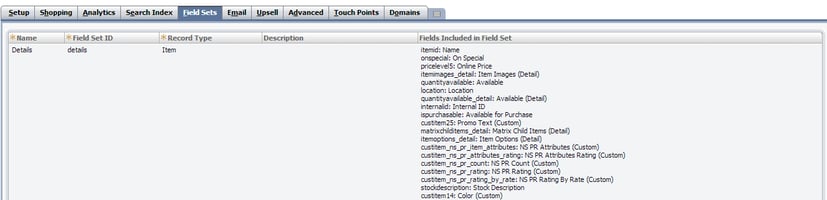
Field sets are defined for getting real time data from item record for different templates. Web developer can use Item search API to access field sets that we define.
Step 1:
Go to >> Setup >> Suite Commerce Advanced >> Setup Website >> Click on edit
Step 2:
Click on “Field Set” Sub tab
- Enter the field set name
- Enter Field set ID
- Select the record type
- Enter the description
- Select the fields that need to be included in field set.
- New window will be open
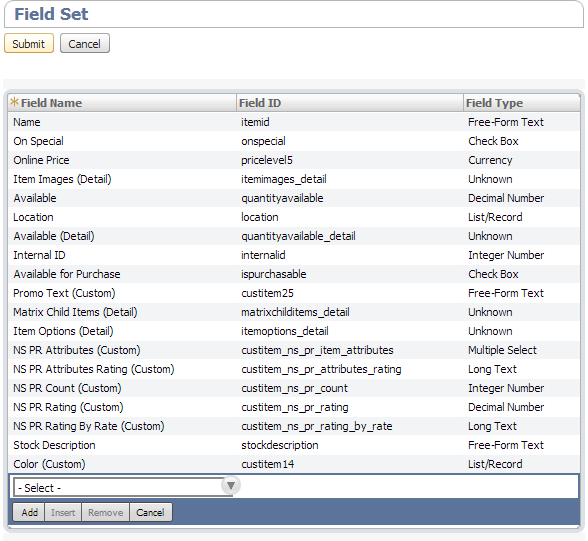
- Select Field set name
- Field ID and Field type will be auto populated.
- Click on submit.