NetSuite UAT Test Scenarios for Finance and Operations
User acceptance testing should establish whether people can run the business with the proposed NetSuite design. A successful login or a clean demonstration is not enough. The team needs evidence that ordinary transactions, exceptions and financial consequences behave as intended under realistic roles and data.
Start with the workflows that affect cash, stock, reporting and important controls. Give each scenario a business owner, representative inputs and a defined expected result. The starter pack below provides 20 adaptable scenario briefs. They are illustrative test designs, not executed sandbox results or assurances about your account's configuration.
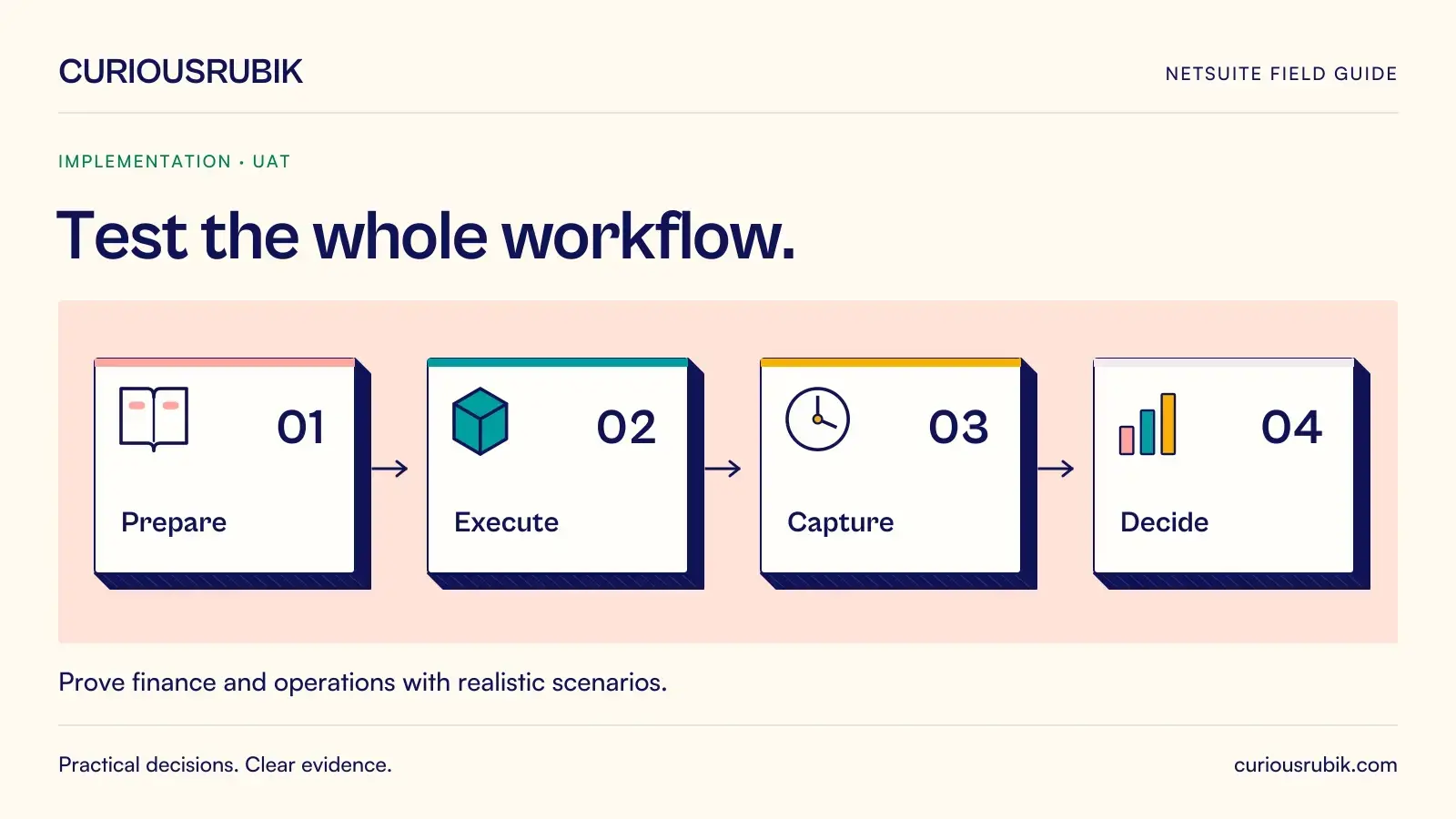
Prepare the test environment and evidence
Before execution, confirm the tested configuration, roles, enabled functionality, relevant integrations and data version. Use an appropriate non-production environment and approved test data. Record the expected accounting treatment with the controller rather than inferring it from the observed posting.
Each script should contain preconditions, steps, expected operational result, expected ledger impact, a negative test, actual result and evidence. Where a transaction should not post, state that explicitly and verify it. Where postings depend on your design or policy, replace the generic expectation with approved accounts, amounts, currencies and periods.
A 20-scenario starter pack
1. Create a customer invoice
Precondition: an approved customer and billable transaction. Expect the correct invoice amount and approved receivable, revenue and applicable tax treatment. Negative test: omit a required attribute. Verify the intended validation and that an invalid submission does not create an unintended posting.
2. Apply a customer receipt
Precondition: an open invoice and a valid receipt. Expect the correct application and approved cash and receivable effects. Negative test: attempt an over-application. Check the designed exception handling and confirm the remaining customer balance.
3. Issue a customer credit
Precondition: a supported credit reason and original transaction context. Expect the approved adjustment and customer balance. Negative test: use an unauthorized role. Confirm permissions, approval evidence and the accounting treatment of any accepted credit.
4. Process a partial customer payment
Precondition: an invoice with an amount greater than the receipt. Expect a remaining open balance and correct aging. Negative test: select the wrong customer or currency. Confirm prevention or controlled handling and reconciliation to the approved ledger result.
5. Enter a supplier bill
Precondition: an approved supplier and supporting purchase or expense information. Expect the correct liability and approved expense, asset or other treatment. Negative test: submit a duplicate reference according to the agreed duplicate-control design and inspect the outcome.
6. Approve a purchase request
Precondition: users and authority limits configured for the design. Expect correct routing and release restrictions; confirm whether any tested stage is non-posting. Negative test: submit above the requester's authority or change a material value after approval.
7. Match a partial receipt and bill
Precondition: an order with only part of the quantity received. Expect the designed receipt, billing and accrual behavior. Negative test: bill outside the agreed tolerance. Verify the exception route and approved inventory, expense and liability effects.
8. Process a supplier credit
Precondition: an eligible bill and supported credit reason. Expect the intended liability reduction and corresponding approved accounting. Negative test: apply it to an incompatible transaction. Confirm the remaining supplier balance and evidence of any required approval.
9. Prepare a supplier payment
Precondition: approved open bills and the permitted payment workflow. Expect the correct selected population and approved settlement accounting when posted. Negative test: include a blocked or unapproved item. Verify exclusion or controlled handling without releasing real funds.
10. Enter and approve a journal
Precondition: an authorized preparer, reviewer and open period. Expect balanced entries with approved dimensions. Negative test: use an unauthorized account, role or unbalanced amount. Confirm validation and that rejected activity leaves no unintended ledger effect.
11. Test period restrictions
Precondition: a period with the restrictions defined by finance. Expect permitted users and transactions to behave according to policy. Negative test: attempt a restricted dated transaction. Confirm rejection or approved exception handling and inspect any resulting posting period.
12. Reconcile a bank account
Precondition: a controlled statement sample and matching book entries. Expect explained matches and outstanding items. Negative test: introduce a duplicate or missing statement line. Verify the difference remains visible and any adjustment receives the intended review.
13. Receive inventory
Precondition: valid item, location and receipt source. Expect the intended quantity and approved valuation effects. Negative test: use an invalid location or quantity. Reconcile the resulting stock movement and ledger impact under the configured process.
14. Fulfill an order partially
Precondition: an order with incomplete available quantity. Expect correct remaining demand and the approved stock and cost effects at each posting stage. Negative test: attempt excess fulfillment. Verify the designed validation and downstream billing behavior.
15. Transfer stock between locations
Precondition: valid source and destination with known quantities. Expect traceable movement and the approved valuation treatment. Negative test: interrupt or duplicate the transfer step. Confirm that stock is not counted twice and exceptions can be resolved.
16. Process a customer return
Precondition: an authorized return with an agreed disposition. Expect the intended receipt, credit and inventory treatment. Negative test: return an excess quantity or unsuitable item. Check controls and reconcile each accepted posting to the approved policy.
17. Process a foreign-currency item
Precondition: an approved currency, rate basis and transaction date. Expect correct transaction and base-currency values under the design. Negative test: omit or alter a required rate. Finance verifies rounding, settlement and any relevant exchange effects.
18. Test an intercompany workflow
Precondition: included entities, accounts and reciprocal identifiers. Expect paired records and agreed reconciliation. Negative test: create a mismatch in amount or period. Verify detection and the approved accounting; include consolidation-related tests only where applicable to scope.
19. Recover an integration failure
Precondition: a representative message and controlled test failure. Expect a visible exception, accountable recovery and one intended business transaction. Negative test: replay the message. Confirm duplicate handling and that ledger effects are neither omitted nor repeated.
20. Complete a reporting reconciliation
Precondition: a defined transaction population and approved report filters. Expect agreement between the report and its control totals. Negative test: change a date, entity or dimension filter. Verify that users can identify the difference and explain its effect.
Turn execution into a decision
Record results as passed, failed, blocked or not run. A blocked scenario is not a pass. Capture the role, data, configuration version and evidence so another reviewer can understand what was tested.
Classify defects by business consequence and identify the owner, correction plan and retest scope. A fix to a shared mapping or workflow may require several scenarios to be rerun. Test the affected end-to-end process, not only the screen where the defect appeared.
Sign-off should summarize critical scenario coverage, unresolved issues and approved exceptions. Business owners accept operational readiness; the controller accepts financial evidence within their authority. The sponsor decides whether the remaining risk is acceptable for the proposed launch.
Questions test leads ask
Should consultants execute every test?
Specialists can prepare and support tests, but business users should demonstrate that they can perform their actual responsibilities. Their participation also exposes unclear procedures and training gaps.
How much data is enough?
Use representative normal and exceptional cases, including material volumes where relevant. A few simple records cannot prove performance or coverage of complex transaction patterns.
Can we accept a known defect?
Only through an explicit business decision with documented impact, a workable control, an owner and a resolution plan. Critical risks should follow the agreed go-live gate rather than informal acceptance.
When is UAT finished?
When the agreed coverage and acceptance conditions are met, evidence is reviewed and unresolved items have an approved disposition. The calendar alone does not establish completion.
Prove the workflows that matter
Adapt these scenarios to your approved design and execute them before relying on the results. Discuss your NetSuite testing gaps with CuriousRubik if you need a clearer path from requirements to acceptance evidence.
Related reading