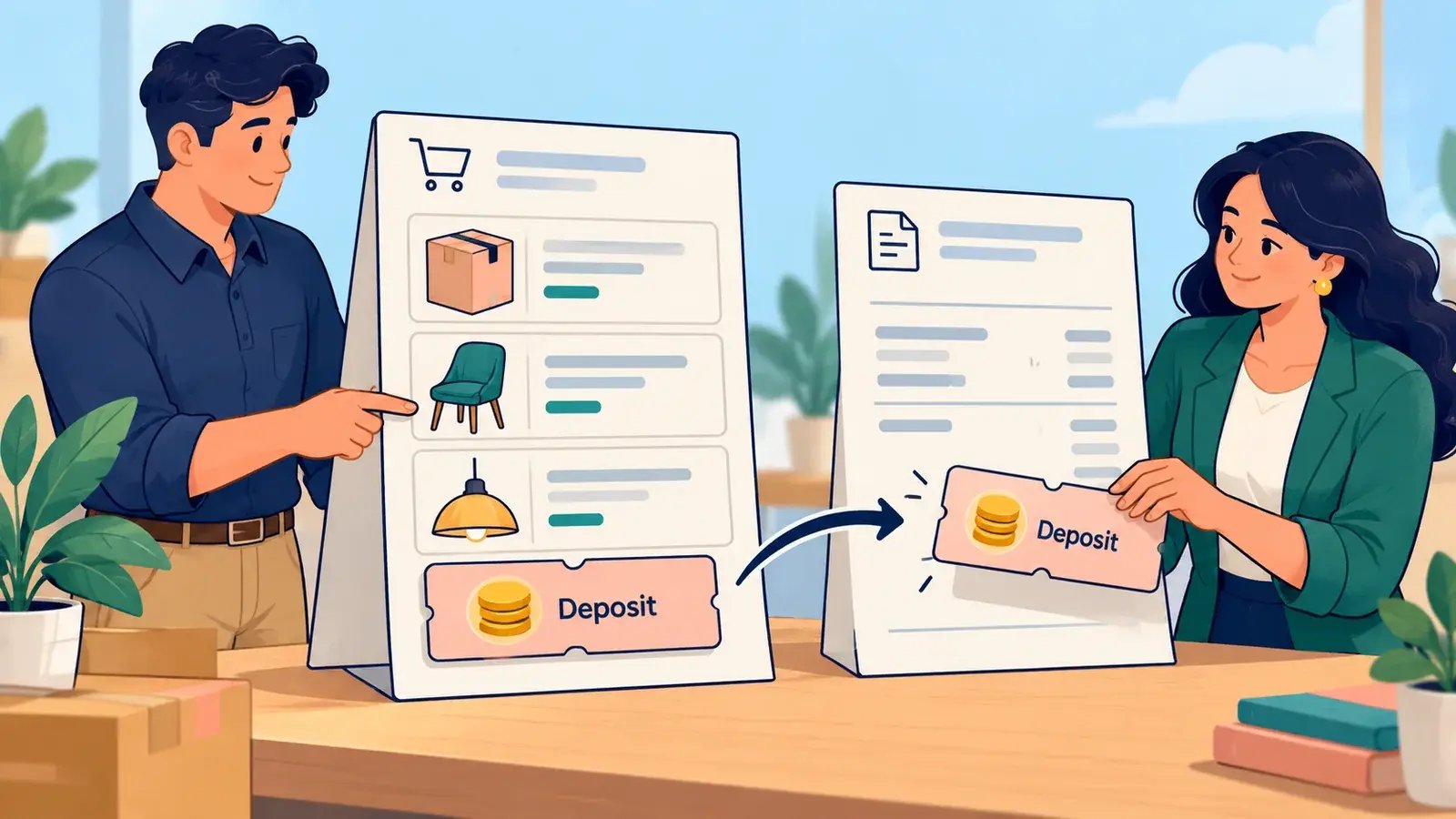
NetSuite payment items identify payments made to invoices that need to appear separately, such as a down payment. A payment item can reference a payment method, but selecting that reference does not initiate a payment transaction. See Oracle’s Payment Items and item-field documentation.
Oracle documentation reviewed. Account-specific configuration and outcomes have not been tested.
Use a consistent example
For illustration, a USD 1,000 invoice with a USD 200 payment leaves USD 800 outstanding, assuming no other taxes, charges, credits or payments. Confirm the actual payment and its accounting treatment before recording it.
Create a Payment item
Have your administrator and finance owner confirm your access and the intended account treatment before setup. The fields displayed can vary with the item type and enabled features.
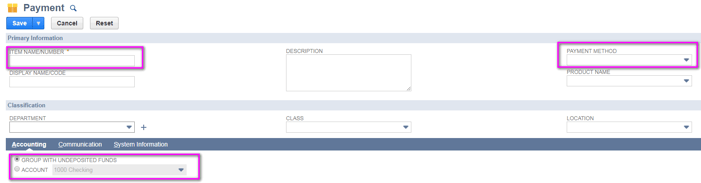
- Go to Lists > Accounting > Items > New and select Payment.
- Enter a unique Item Name/Number and a description. Add a display name if needed.
- Optionally associate a Payment Method. Complete the applicable product and classification fields.
- On Accounting, select Group with Undeposited Funds, or select Account and the intended account, according to the approved accounting setup.
- Review the item and click Save.
See Oracle’s current Payment item creation procedure for field details.
Keep payment processing and posting clear
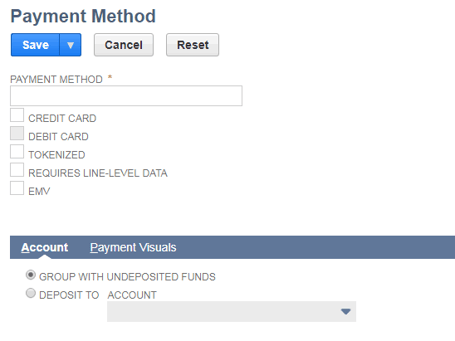
Payment methods have their own processing and posting settings. Choosing an account controls where funds are posted in NetSuite; it does not establish that a card payment has settled at the bank.
For payment-method setup and the effects of Undeposited Funds and Deposit To settings, use Oracle’s payment-method guide. Do not configure payment processing from the payment item’s reference field.
For an advance on a sales order, review customer deposits
Oracle documents customer deposits for advances on orders or projects. A deposit tracks money received before delivery; deposits created from eligible sales orders are linked to the order and applied when that order is invoiced. The Create Deposit button depends on the sales-order form and billing state.
Use Recording a Customer Deposit for that workflow. The former instructions to add a negative payment-item line to a sales order have been removed because the current sources reviewed here do not establish that as the supported deposit procedure.
Expected result: You have a Payment item configured for its documented invoice-payment purpose. Verify the transaction, payment record and account posting in an approved test before using it operationally; use the documented deposit workflow for a sales-order advance.