Why NetSuite Is Slow and How to Measure the Cause
“NetSuite is slow” describes a frustrating experience, but it does not yet identify a problem that can be fixed. A delayed page load, slow record save, long saved search, and stalled integration can have different causes. Changing scripts or increasing capacity before separating those symptoms can waste effort and introduce new risks.
Begin with one reproducible action and a measured baseline. Inspect the relevant search, script, workflow, client, and network evidence, then test one controlled change. The objective is a faster business task with the same correct result, supported by evidence that another administrator can reproduce.
Turn the complaint into a testable symptom
Ask what the user was doing, which record or search was involved, when the delay occurred, and whether it affects every attempt. Identify the role, form, browser, location, and relevant data volume. Distinguish opening a record from saving it; those actions may invoke different work.
Record the business consequence. A slow dispatch queue that delays shipment decisions may be more urgent than a rarely used historical report. Use that consequence to prioritize investigation and agree the acceptable operational outcome.
Check whether the symptom is isolated to one user, role, record type, or time window. A pattern affecting a particular form points to different possibilities than widespread network delay. Avoid assuming that one person's browser experience proves a server-wide issue.
Preserve a small set of representative examples and timestamps. These give technical reviewers something specific to compare with available logs and performance tools.
Establish a baseline you can repeat
Define the exact action, starting state, role, dataset, and measurement method. Repeat it enough to understand ordinary variation, recording individual observations rather than one convenient result. Note background activity or environmental differences that could affect comparison.
A hypothetical investigation measures a saved-search execution using the same role and criteria in a test account. Five runs take 12, 13, 11, 15, and 14 seconds. The median is 13 seconds. These synthetic values demonstrate the method; they are not a NetSuite benchmark or a promised improvement.
Also capture correctness controls, such as expected record identities, row count, and a relevant quantity or amount total. Performance work needs these controls because reducing the returned population can make a search appear faster without solving the actual requirement.
Do not compare a narrow test search with a broad production search and attribute the difference solely to a code change. Keep conditions as similar as possible and document unavoidable differences.
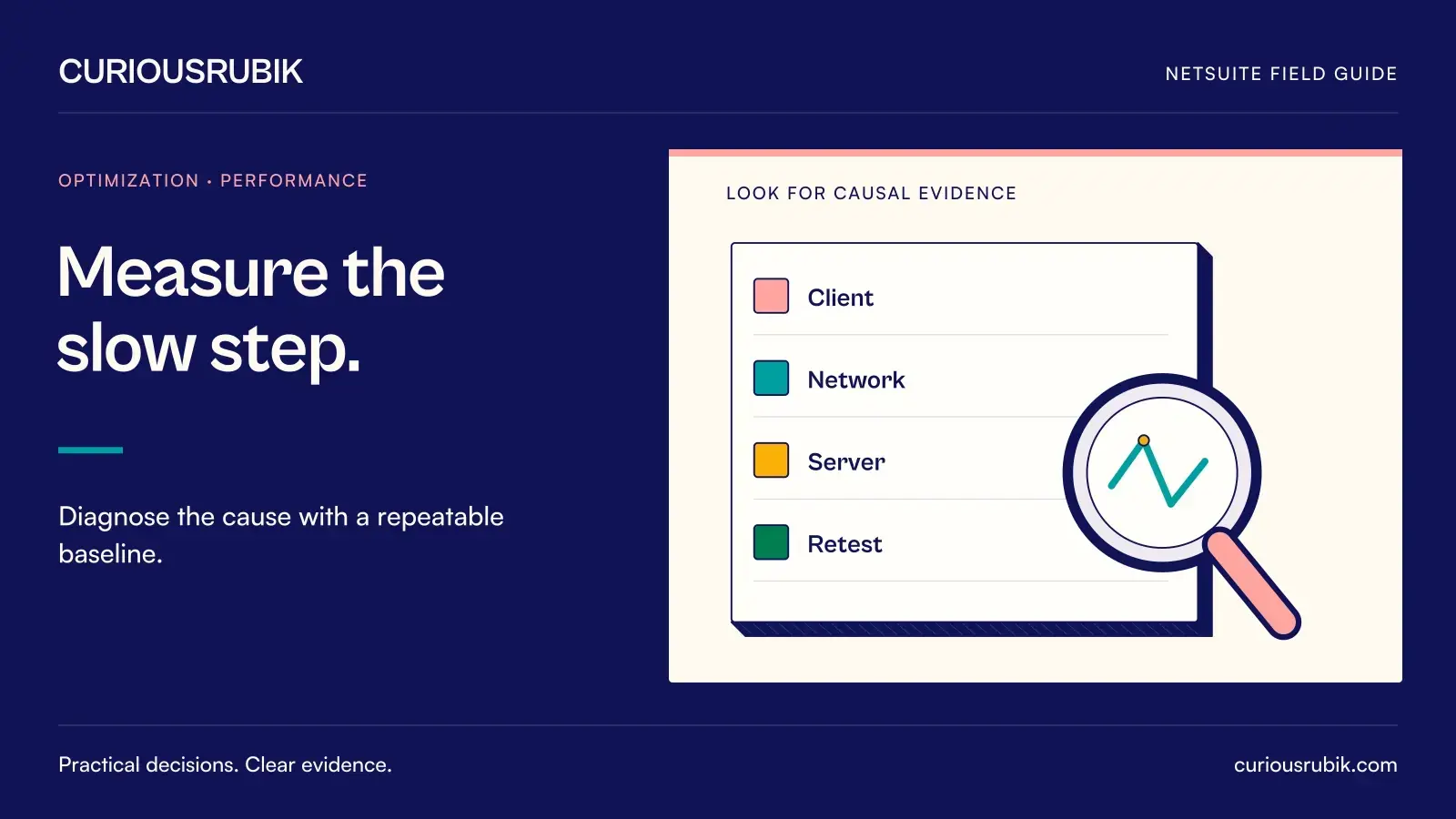
Separate client, network, and server work
Use the diagnostic information available in the account and environment. NetSuite performance tooling can help distinguish page components, scripts, workflows, and other timing contributions, subject to the tool's coverage. It does not necessarily capture every execution or explain every delay automatically.
Review whether time is spent before the request, in transit, during server processing, or while the browser renders the response. Reproduce the issue with an approved comparison environment or browser setup where useful. Avoid changing security controls merely to test a performance theory without authorization.
For record saves, inspect customizations that run in the relevant execution context. For page loads, consider client initialization and record-specific detail. For an integration backlog, examine throughput and queue age rather than relying on an interactive page measurement.
The goal is a supported hypothesis: for example, a repeated lookup in one script appears to dominate the measured save operation. Keep alternative explanations visible until the controlled retest establishes the effect.
Investigate searches without changing their meaning
Review criteria, joins, formulas, returned columns, sorting, and the range of data scanned. Determine which elements the consumer actually requires. A broad date range or unnecessary joined detail may be legitimate, but it should be intentional.
Check for row multiplication as well as execution cost. A join that expands one transaction into many rows can slow the result and distort totals. Correcting that relationship may improve both reliability and performance, but the revised definition still needs business validation.
Inspect downstream consumers before removing columns or changing output structure. A script or integration may rely on a field that appears unused in the visible report. Preserve the search identifier and contract where required, or manage the dependency change explicitly.
Make one meaningful adjustment and compare it with the baseline. Record what changed and why the expected result should remain equivalent.
Inspect scripts and workflows in context
Identify the scripts and workflows triggered by the slow action. Review repeated record loads, unnecessary searches, external calls, and logic that runs more broadly than its business purpose requires. Consider whether work must happen synchronously for the user's decision or can be redesigned safely.
Moving work to a later process can reduce immediate waiting but introduces new completion and recovery responsibilities. The user may save successfully while downstream work remains pending. Define how that state is visible and how failures are handled before changing the execution pattern.
Do not disable approval, validation, or financial-control logic simply because it consumes time. The process owner must approve a replacement that preserves the control. Performance is one acceptance condition among correctness, security, and business integrity.
Review overlapping customizations and recent changes. A new workflow may repeat logic already performed by a script. Establish ownership before consolidating them so a performance fix does not remove a required exception path.
Retest one change and verify the result
Return to the original test conditions and repeat the measurements. In the hypothetical search example, five runs after an isolated join correction take 8, 9, 8, 10, and 9 seconds, producing a median of 9 seconds. The synthetic comparison suggests an improvement worth investigating, but it becomes acceptable only if row identities and control totals still match.
Test boundary cases and another representative user. A change that improves one narrow case may degrade a larger dataset or behave differently under a restricted role. Check the business task end to end, including downstream consumers.
Use an approved deployment and rollback plan for production. After release, observe the same symptom and correctness measures during relevant operating conditions. If the improvement does not persist, retain the evidence and revisit the hypothesis rather than claiming success from the test account alone.
Questions during a performance investigation
What is a good NetSuite response time?
There is no universal target for every action, account, and workload. Agree a business-appropriate expectation and compare consistent measurements. A complex close report and a routine order save should not automatically share the same threshold.
Should we add capacity first?
Only after evidence shows that capacity is relevant to the bottleneck and the account's options are understood. A faulty join, redundant script, or client-side delay may require a different remedy.
Can we switch off scripts to identify the cause?
Controlled isolation in a suitable test environment can be useful with the necessary approval. Do not casually disable production controls. Preserve the starting configuration and verify both the performance effect and the business behavior.
What should be included in an escalation?
Provide the reproducible action, role, timestamps, affected records or search, measurements, available trace information, business impact, and recent changes. Exclude credentials and unnecessary sensitive data.
Diagnose before optimizing
CuriousRubik can help scope a performance diagnostic around a reproducible symptom. Bring the baseline and affected business task, then use controlled changes and correctness checks to decide what is worth improving.