CURIOUSRUBIK
Let’s talk about your next move ↗View complete sitemap

CuriousRubik · Blog

Articles by CuriousRubik

Back to the blog
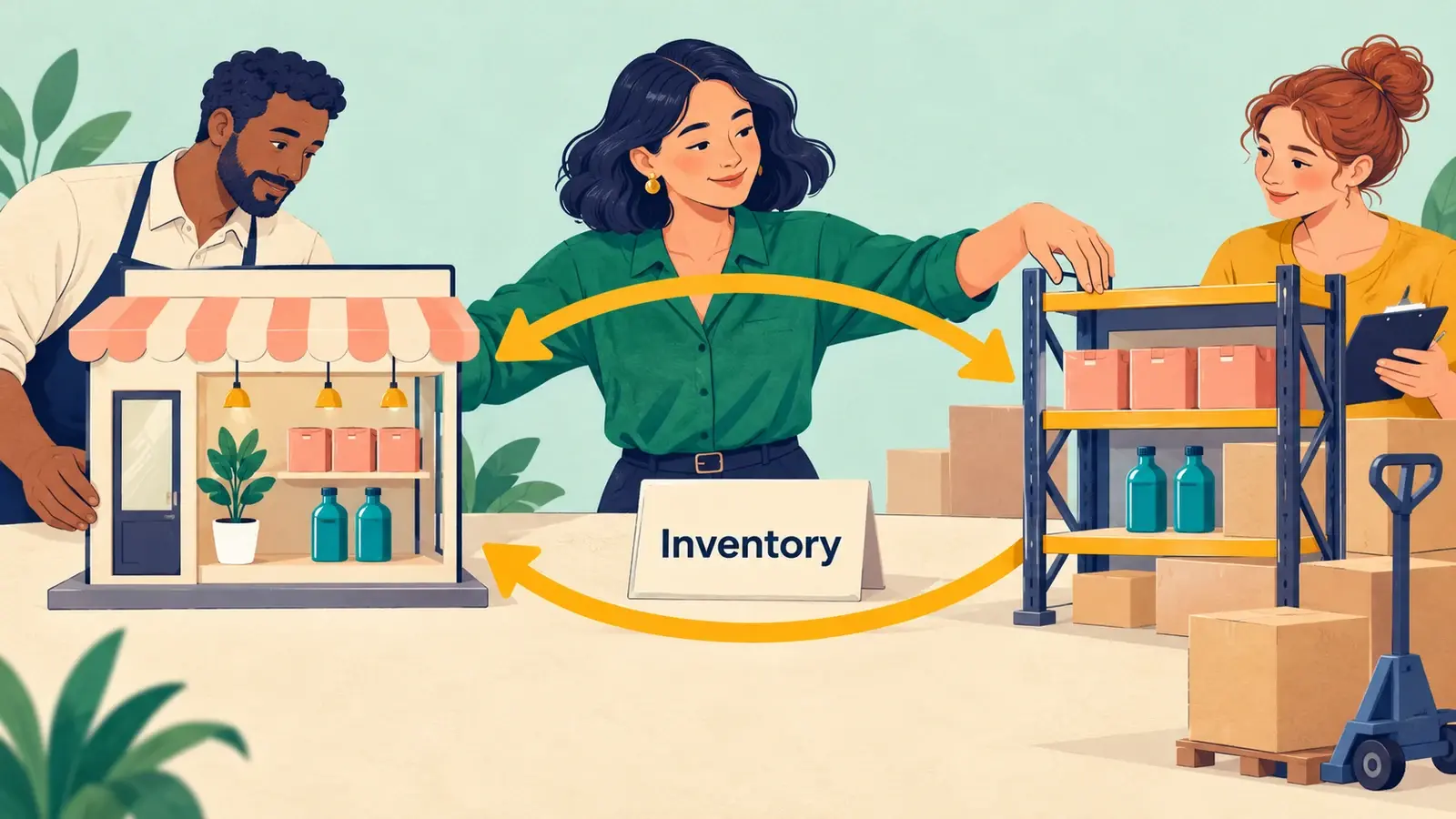
An ecommerce stock specialist compares matching product quantities between a small storefront model and warehouse shelving.

Know how to add “Location & Available Quantity” on Suite Commerce Advance item detail page.

Editorial archive: 2024

Location & Available Quantity To add the fields on Item Details Page, Need to update the “item_details.txt” file which fetches the details of Items from the Facet Fields which we define under Website Set up -> Facet Fields sub tab.

Read article: Know how to add “Location & Available Quantity” on Suite Commerce Advance item detail page.

What’s on your mind?

A little context is all it takes to begin.

Please leave out passwords, payment details and confidential account data.