
Step 1:
Go to >> Setup >> Suite Commerce Advanced >> Setup Website >> Click on edit
Step 2:
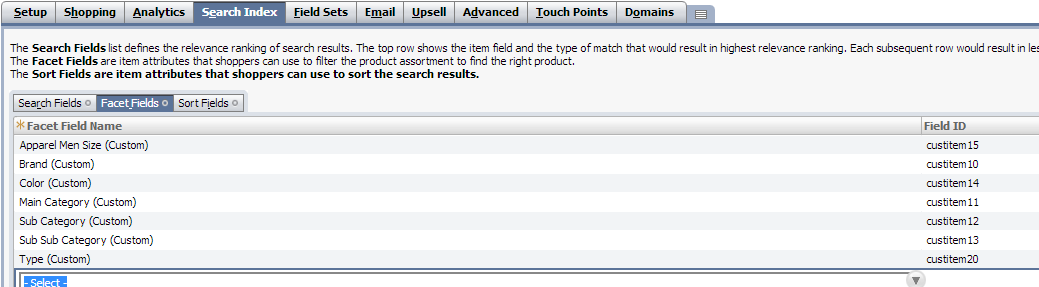
Click on search index tab under that select “Facet Fields”
Step 3:
Select “Facet Fields” tab
- Enter field set facet field name
- Enter field set ID will be auto populated based on “facet field name” selected.
Step 4:
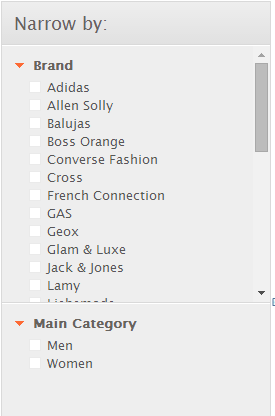
Shopper can search the items based by filtering below facets in web store.
Note:- For facets Color coding, need to Update the “Configuration.js” in “facets” section and need to enable the macro called “facetColor”.