When records are created with multi select fields, the values selected in the field appears as a list in the record in which they are selected.
For Example, Create a custom record with field Multi select in which the display type is selected as Show as List.
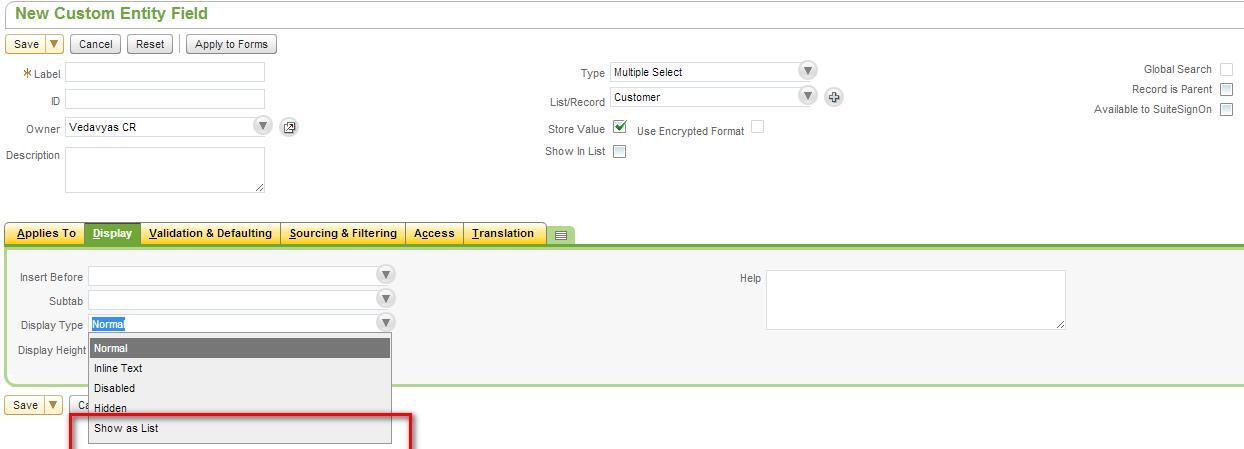
Next create the record by selecting the multi-select values and click on save. Once the record is saved the records that are selected in the multi-select appears as list in the same record in which they are selected.
This functionality can be used to display more details of the records to the user as well as to decrease the number of clicks to access the records.
While creating the record this field appears as the Main field.
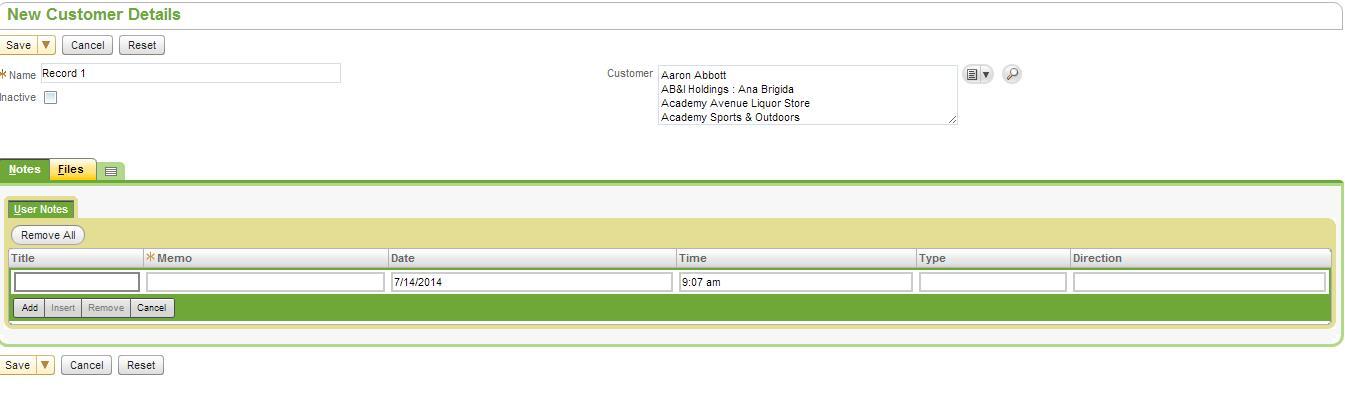
Once the record is saved, all the values that are selected in the multi select field will be shown as list.
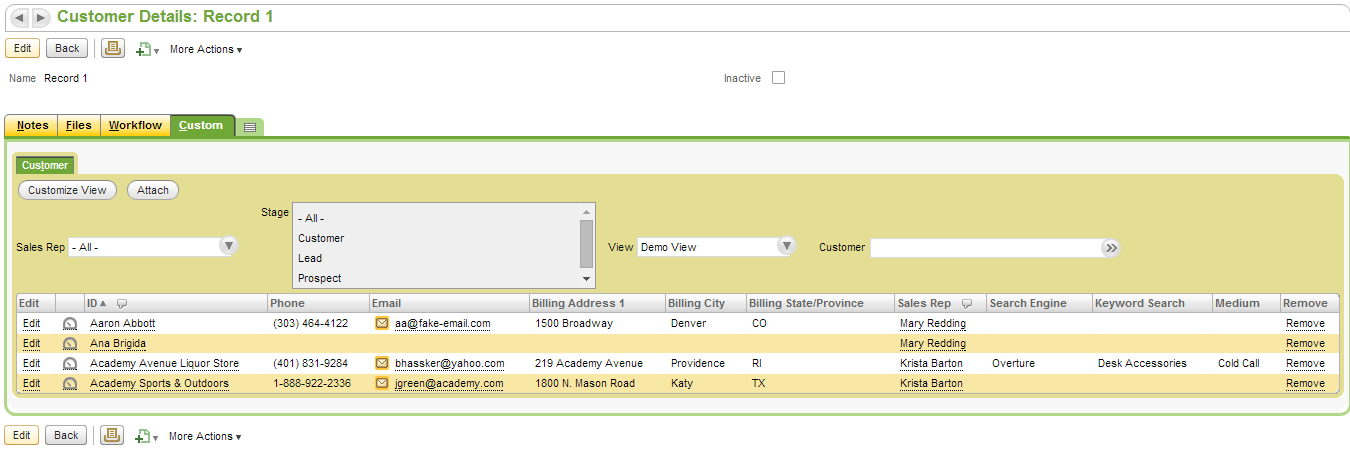
By default this list will be shown under the subtab of custom. Users can rename the tab as per the requirement.
User can also customize the view and add more fields and filters if required
Note: This feature is available only for Multi Select fields.