Last reviewed: 10 October 2026. Product details reflect this review date. Availability and behavior can vary by account, role and release.
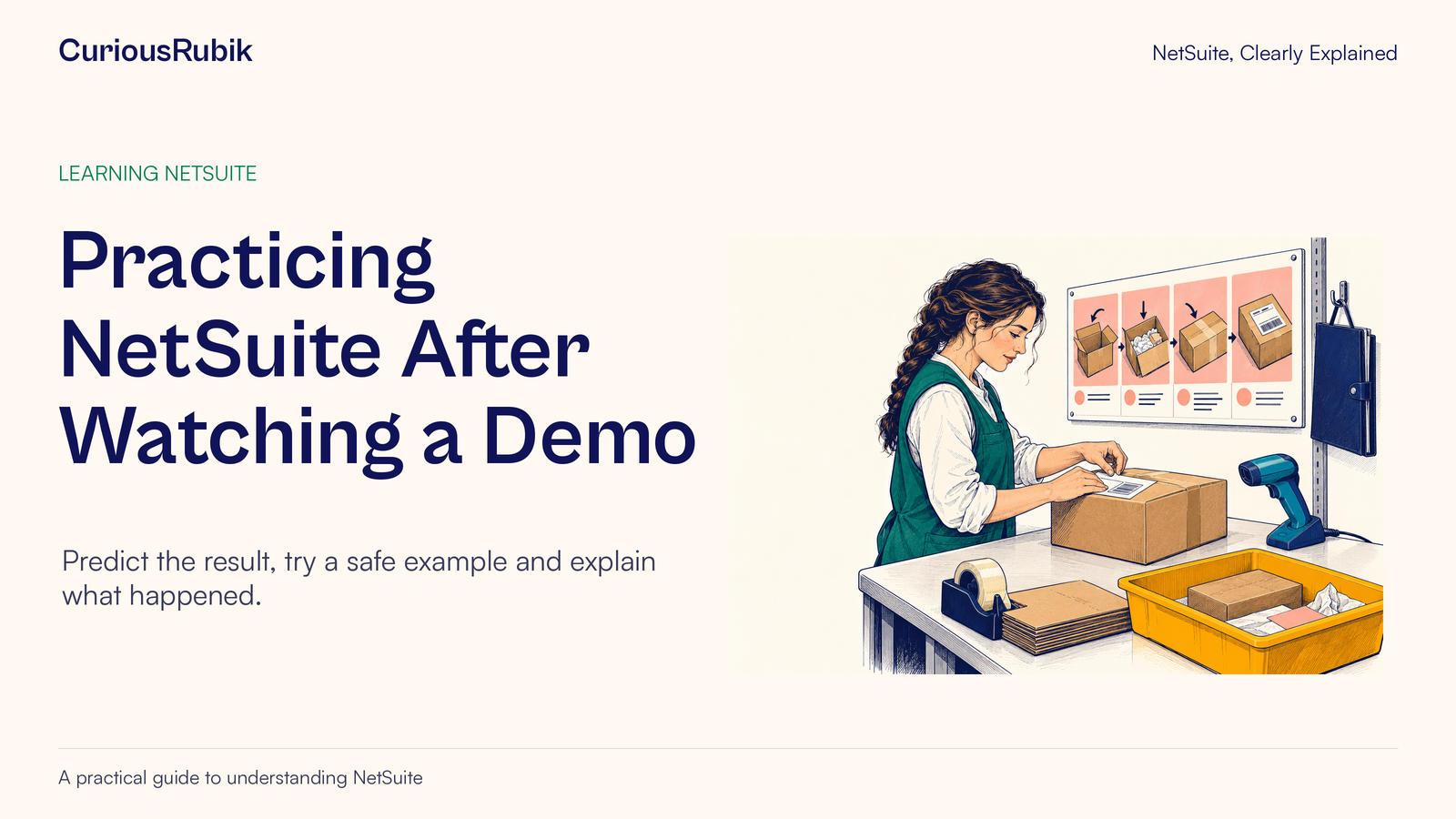
Editorial ink illustration: A trainee practices a complete packing task with concise visual instructions.
During a demonstration, every step can seem obvious. The presenter knows where to click, recognizes the right record, and moves past small decisions without hesitation. Later, the learner faces a slightly different customer name or menu and cannot tell whether they are still following the same process.
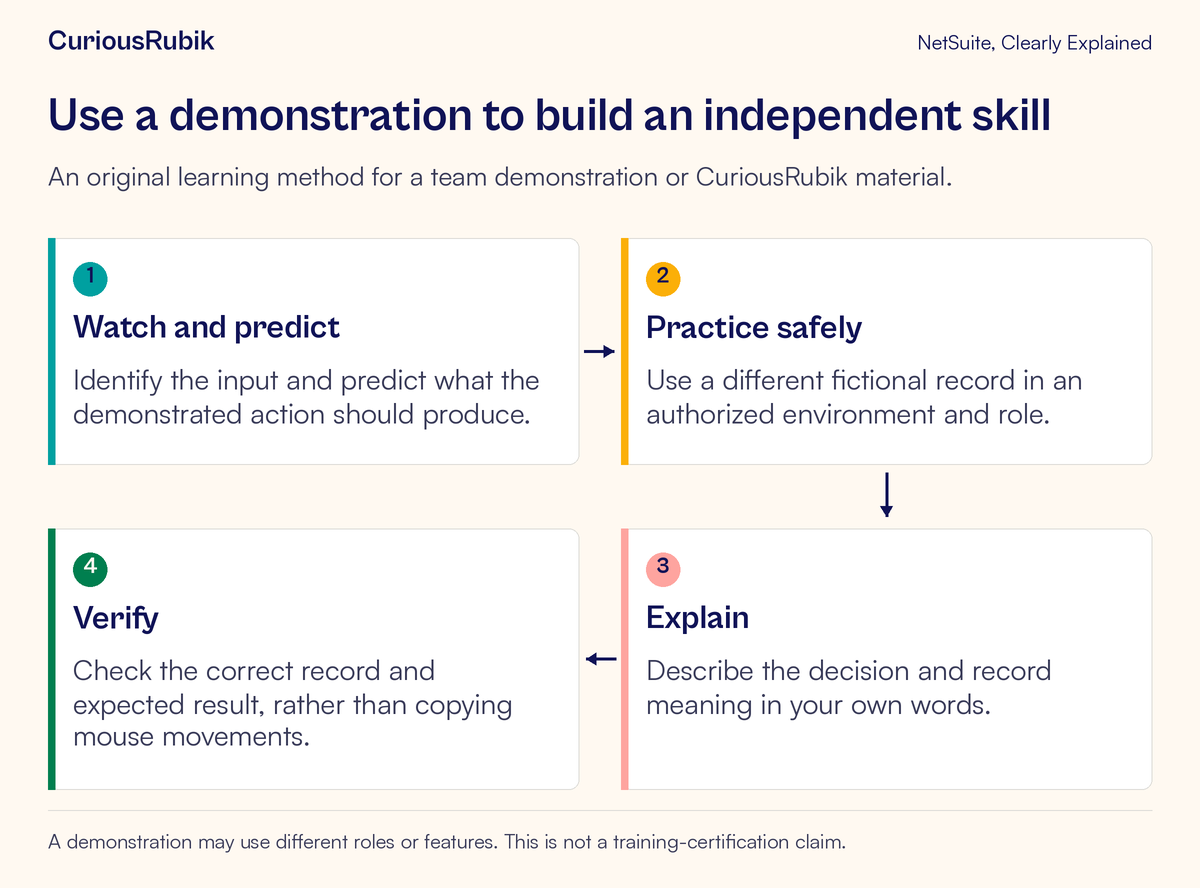
The solution is to turn one demonstrated task into a small independent exercise. Choose a safe record, predict the result, perform the task under the intended role, and explain how you know the outcome is correct. This creates stronger evidence of learning than reproducing the presenter's mouse movements.
This lesson gives new users and team trainers a repeatable method for using a team demonstration or CuriousRubik learning material. The example is read-only: finding the correct fictional customer record. Any practice that changes data needs its own authorization, environment, and expected-result checks.
Choose one skill small enough to observe
“Learn customer management” is a broad goal. “Find the specified customer record and explain how its identity was verified” is an observable skill. Start with the second kind of statement.
A small skill has an input, a decision, and an output. The input might be a customer reference and a name. The decision is how to locate and distinguish the record. The output is the correct record, with a clear explanation of why it matches the request.
Limit the first exercise to that outcome. Do not add editing an address, creating an order, and sending correspondence just because those tasks appear nearby in the interface. Each introduces new permissions, consequences, and verification needs.
For the trainer, the question becomes: what evidence would show that this learner can perform this task without a prompt? Write that down before demonstrating. It will help you avoid teaching an impressive tour of features when the learner needs one dependable routine.
Match the practice context to the learner's work
Record the account environment, role, relevant features, and form or experience used in the demonstration. A different role may expose different menus and actions. A configured account may use labels or layouts that differ from another team's account.
Explain those differences early. If the trainer uses an administrator role while the learner uses a sales role, the trainer's screen should not become the assumed standard for the learner. Use accounts, roles, and centers to discuss the source of a difference before requesting more access.
Choose the practice environment deliberately. Production, Sandbox, and Release Preview serve different purposes, and a non-production label alone does not establish that every action is harmless. Confirm permissions, safe data, and any external effects relevant to the task.
For the record-location exercise, agree that the learner will inspect only the designated fictional records and will make no edits. The boundary is easy to understand and keeps the focus on navigation and identity checking.
Watch for decisions instead of memorizing clicks
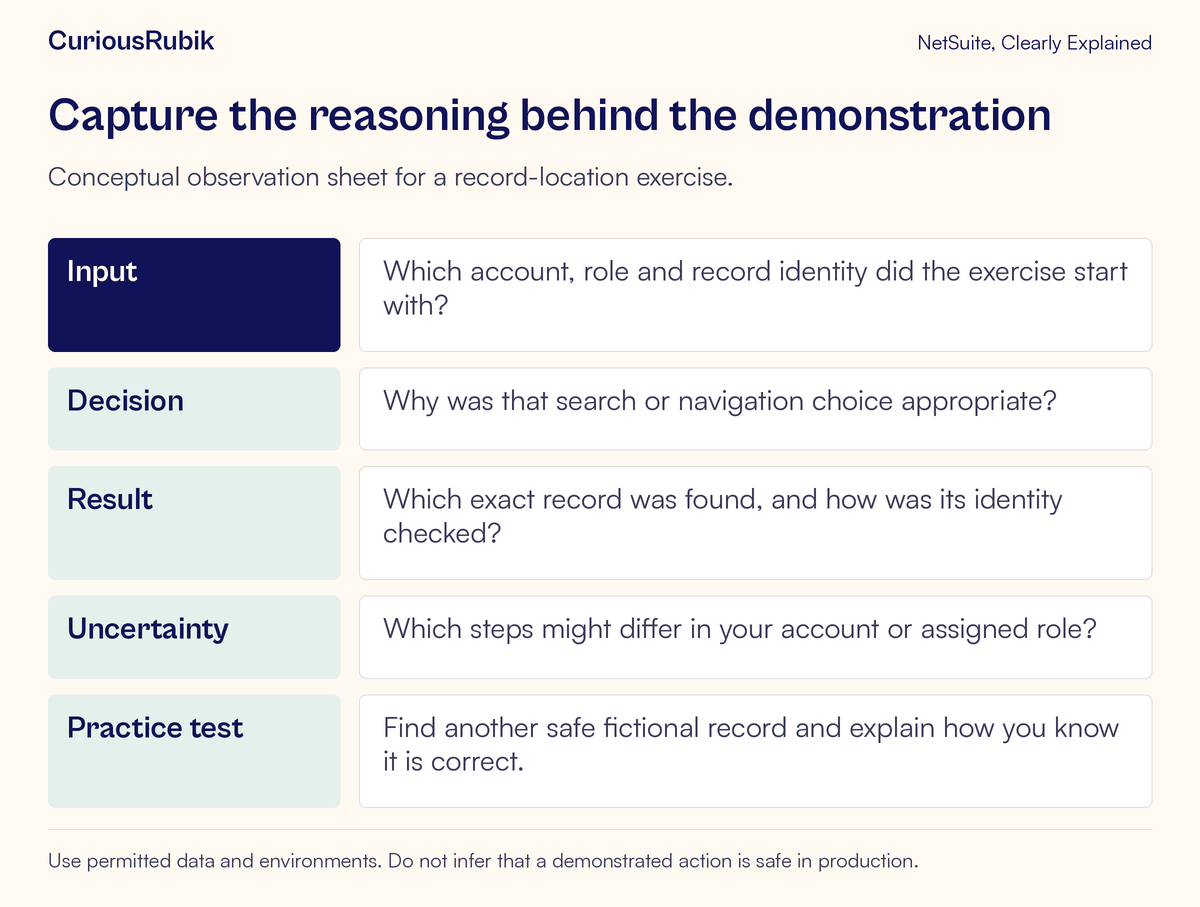
During the demonstration, use a short observation sheet. Record the input the presenter starts with, why they choose a search or navigation route, what result they expect, and how they verify the record they open.
Pause before a decisive step and predict what will happen. If the presenter searches a partial customer name, ask what could make the results ambiguous. If two records look similar, ask which approved identifier distinguishes them.
The learner should capture reasoning such as “The name alone is insufficient because two branches have similar names.” A note that says “Click the second row” will become useless when the order of results changes.
Keep uncertain observations visible. A good question might be: “Does this search route depend on the role used in the demonstration?” That is more precise than concluding that the learner's account is broken because a menu looks different.
Work through an original customer-location exercise
Imagine a fictional trainee, Luis, joining Fern Hollow Supply. The trainer demonstrates how to locate the invented customer Meadow Studio using an approved customer reference. The trainer explains the search route and checks the record type and identifier before treating the result as correct.
Luis then receives a different task: locate the fictional customer Meadow Studio North, identified in the exercise as customer reference DEMO-214. The test account also contains Meadow Studio South, reference DEMO-215. The similar names are deliberate training data.
Before beginning, Luis writes the expected result: “I should open the customer record whose reference is DEMO-214 and explain why the similarly named South record is not the target.” This expectation is independent of the eventual search-result order.
Luis uses the permitted search or navigation route available to the assigned role. After opening a candidate, Luis checks the displayed record type and the approved identifier. If the available view does not expose enough information to establish identity, the correct next step is to ask the trainer how to verify it under that role.
The exercise succeeds when Luis locates the intended record and explains the identity check. Simply opening a record named Meadow Studio is insufficient because the input deliberately contains a plausible alternative.
Repeat with the demonstration out of view
On the first attempt, the learner may consult notes. On the next attempt, use a fresh fictional customer and put the demonstration aside. The purpose is to reveal which decisions the learner understands and which are still being copied.
Do not make the new case needlessly different. If the lesson concerns record identification, preserve the same basic record category and approved access. Changing the role, account, search method, and business task simultaneously makes it difficult to tell what caused confusion.
Ask the learner to narrate only the important reasoning: what they are looking for, what would make a candidate wrong, and what evidence confirms the choice. Constant commentary on every click can distract from the task and favor verbal fluency over actual understanding.
If help is needed, record the point where it was needed. “Needed a prompt to distinguish two customer identifiers” gives the trainer a specific next exercise. “Needs more training” does not.
Add one exception that teaches a safe stopping point
A good exception does not have to be dramatic. Give Luis a fictional reference that has no expected matching record in the exercise. The learning outcome is to identify the absence of a verified match and report it clearly.
The learner should not create a new customer merely to complete the search task. Creating a record is a different action with different authorization and duplicate risks. Similarly, opening a near-match and guessing that it is correct would fail the exercise.
The trainer can then introduce a restricted-access case if it is appropriate and safely prepared. A record that the learner cannot see may be outside the role's scope; a missing result is not proof that no such record exists anywhere in the account.
Ask for an observation rather than a conclusion: “I did not find a verified match through the approved route under this role.” That statement is honest, specific, and useful to the person who can investigate further.
Use a simple evidence-based scorecard
Evaluate the task on a few observable criteria:
- Correct context: the learner used the intended account and role
- Correct identity: the selected record matched the exercise input
- Clear reasoning: the learner explained the distinguishing evidence
- Safe boundaries: no unapproved changes or unrelated records were used
- Exception handling: the learner stopped and asked a precise question when needed
Record whether each criterion was completed independently, completed with a prompt, or remains unverified. This provides better guidance for the next practice session than a vague pass based on confidence.
Speed can be useful after accuracy and safety are established, but it should not dominate the first exercise. A fast wrong-record selection can be more harmful than a slower correct one. Avoid setting a time target that encourages the learner to skip identity checks.
Diagnose the learning gap before repeating the demonstration
If the learner can follow the presenter but cannot repeat the task, reduce the exercise to the decision that caused trouble. Perhaps they know how to search but not how to distinguish a lead from a customer. Perhaps they recognize the identifier but cannot find it in their role's view.
If the screen differs, compare the context before retraining the person. Check account, role, enabled features, form, and current experience. Repeatedly showing a menu the learner does not have will not resolve the mismatch.
If a term is unclear, use a precise terminology question. Ask where the label appeared, which record it concerned, and what the learner expected it to mean. A short, contextual explanation often helps more than another full demonstration.
If a mistake occurs, inspect it safely. For this read-only exercise, the trainer can review the selected fictional record and explain the mismatch. For a future data-changing exercise, the recovery procedure must be agreed in advance. Do not turn an accidental production edit into an opportunity for improvised experimentation.
Transfer the skill to a new day and a new example
Immediate repetition can show short-term recall. A later exercise with a fresh safe record helps establish whether the learner retained the reasoning. Keep the task familiar enough that success depends on the same skill rather than a new product area.
Ask the learner to produce a short job aid in their own words: the input needed, the verification check, and the stopping point if no reliable match appears. Review it for account-specific assumptions and update it when the process changes.
The trainer should keep unresolved questions separate from completed skills. If record identity is understood but a role limitation remains under investigation, record both facts. This avoids treating a configuration blocker as a personal learning failure.
Completion of this exercise is evidence for a small workplace skill. It does not establish broad NetSuite proficiency, certification, or authority to perform other transactions. Expand the learning plan by adding clearly bounded tasks with their own checks.
Your demonstration-to-practice checklist
- One observable skill is named
- The role, account, features, and safe data are understood
- The demonstration explains the important decisions
- The learner predicts the expected result
- A different fictional record is used for independent practice
- Correct identity or saved outcome is verified
- One exception tests a safe stopping point
- Prompts and unresolved questions are recorded specifically
- A later fresh example checks retained understanding
For teams building that kind of practical learning, CuriousRubik's NetSuite training can organize demonstrations around the work people actually need to complete. The lasting result is a learner who can explain what happened, how they checked it, and when to ask for help.