Saved Search or SuiteAnalytics Workbook for the Same Reporting Question
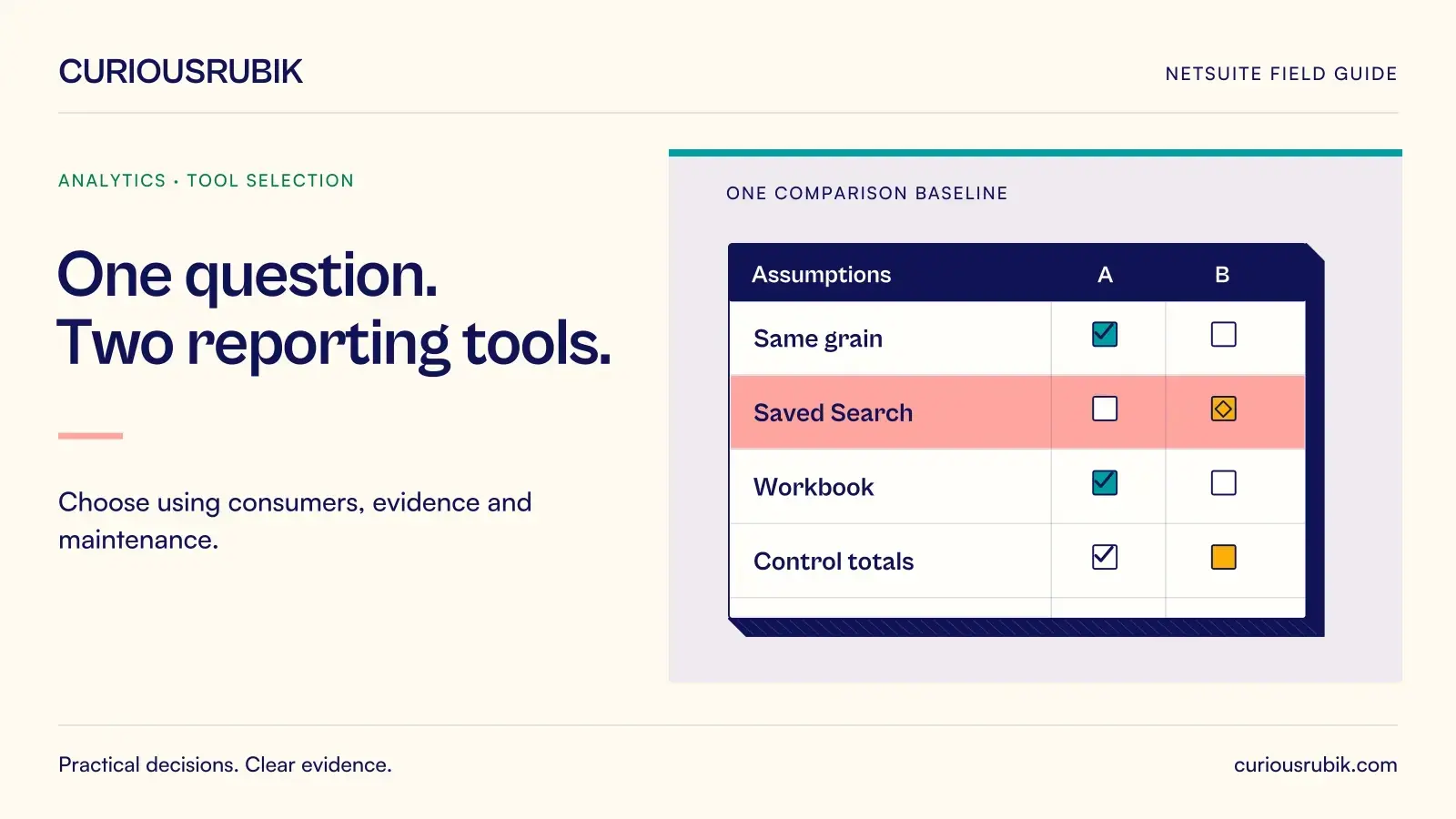
Choosing between a NetSuite saved search and SuiteAnalytics Workbook becomes easier when the team agrees what one row and one total should mean. A familiar interface is useful, but it cannot compensate for a report that duplicates amounts or changes meaning when a user switches roles.
Use the same business question, synthetic records, and acceptance checks to evaluate both tools. This approach reveals differences in grain, joins, grouping, access, and maintenance without assuming that one tool is universally better. The right choice is the one that answers the question reliably for its intended consumers.
Begin with one reporting requirement
Consider a hypothetical order desk that needs to review open order lines by promised date and customer. The operational question is: which approved lines still require fulfillment, and who should investigate them before the next dispatch review?
The team needs line identifiers, customer, item, promised date, ordered quantity, fulfilled quantity, and the agreed remaining quantity. It also needs a summary by customer and promised week, with a way to inspect the underlying lines.
The scope excludes cancelled lines, deliberately closed remainder quantities, and orders outside the user's authorized subsidiary. The process owner must approve how each condition is represented in the account. A generic subtraction formula should not silently decide what “open” means.
Create a test pack with a fully open line, a partial fulfillment, a completed line, a closed remainder, and a restricted subsidiary. Add two lines for the same item with different promised dates. These cases test the actual business distinctions rather than the tool's ability to display a list.
Define grain before building either version
The detailed report should have one row for each qualifying order line. A customer summary is an aggregation of those rows. Document the unique key and preserve it during testing, even if the final presentation hides technical identifiers.
For a synthetic example, three qualifying lines have remaining quantities of six, four, and five units. The expected total is fifteen units only because the example deliberately uses a comparable unit basis. A real report should not add cases, kilograms, and individual units into an unexplained grand total.
Keep header-level values separate. An order total repeated on each line should not be summed as though each repetition were a new amount. The same warning applies to customer-level measures joined onto multiple orders.
If the question changes to accounting impact, revisit the grain. An operational open-order report is not a ledger report, and neither saved search nor Workbook can repair an undefined measure automatically.
Build the saved search around operational action
In the saved-search version, choose the appropriate transaction search scope and line criteria for the account. Validate the relevant status, line, and quantity fields against known test records. Criteria intended to remove header or ancillary rows must be tested for the selected transaction types.
Add only the columns needed to decide the next action. Include a clear line reference, promised date, owner, and the remaining quantity definition. Test customer or item joins individually because related records can change the number of returned rows.
Create the summary only after the detail reconciles. Check that grouping by customer and promised week preserves the fifteen-unit synthetic total and that drilling into a group exposes the expected lines. Test blank dates separately so undated work does not disappear from the review.
Saved search may be a suitable operational choice when its results and delivery features fit the team's existing workflow. Verify any schedule, dashboard, or downstream dependency in the actual account. The design should make it clear who owns the search and who relies on its identifiers and columns.
Build the Workbook version from the dataset
SuiteAnalytics Workbook separates the dataset definition from its visualizations. The dataset establishes records, fields, joins, and criteria; the workbook presents the results through supported tables, pivots, and charts. Reuse can be useful, but it also means a dataset change may affect more than one visualization.
Recreate the business definition rather than copying field labels mechanically. Workbook uses the analytics data source, where field names, locations, and availability can differ from saved searches. Inspect the relevant records and relationships under the intended role.
Begin with the same line-level test population. Add a table showing identifiers and quantities, then a pivot by customer and promised week. If a related field introduces additional rows, investigate the relationship before formatting the chart.
Workbook can suit exploration where users need several views of an approved dataset. That benefit depends on a correct dataset and an audience that understands its scope. An attractive pivot should still reconcile to the underlying fifteen-unit synthetic detail.
Compare the results with the same controls
Use an acceptance sheet with one row per test case and separate columns for saved search, Workbook, and expected result. Compare identities, quantities, blanks, status handling, and permissions.
A useful test sequence is:
- Confirm the three qualifying synthetic lines appear once each.
- Confirm completed and closed-remainder cases are excluded according to policy.
- Confirm the two same-item lines remain distinguishable.
- Add a related record that could multiply rows and check the total again.
- Run as a restricted user and verify the expected subsidiary boundary.
- Change one approved promised date and confirm the correct group changes.
Investigate differences at row level. A matching grand total is insufficient if each tool includes different lines whose quantities happen to offset. Preserve an explanation for every accepted difference in representation.
Choose using consumers and maintenance
The decision should consider where the result is consumed, how much exploration users need, who can maintain it, and which downstream processes depend on it. A focused operational queue and a reusable analytical dataset may justify different tools even when they share some underlying data.
Avoid maintaining two competing definitions without an owner. If both versions remain, document the common business definition and test them together when it changes. Give each a distinct purpose so users do not select whichever number they prefer.
Review access beyond the report's visible layout. Shared results, exports, and downstream uses should follow the approved audience. A hidden column or a personal filter is not a substitute for an effective access control.
Questions about choosing the tool
Is Workbook automatically more accurate than saved search?
No. Accuracy depends on grain, joins, filters, permissions, and measure definitions. Both require reconciliation against known data. A newer visualization does not validate the underlying logic.
Can an existing saved search be recreated field for field?
Not always. The data sources differ, and some fields may appear through different records or require different logic. Recreate the business meaning and test the result rather than assuming label equivalence.
Should every user see the same total?
Only when they have the same approved data scope and criteria. Restricted roles may correctly see different populations. Document those differences so an access boundary is not mistaken for a calculation error.
What if both tools pass the tests?
Choose based on usability, delivery needs, ownership, and maintenance effort. Keep the accepted test pack so later changes can be assessed using the same evidence rather than repeating the debate from scratch.
Compare one real question first
CuriousRubik can help evaluate a saved search and Workbook against one reporting requirement. A shared grain definition, synthetic test pack, and reconciliation record provide a practical basis for the choice.