For US sales leaders, CFOs and COOs who want one forecast number that sales and finance both believe.
Last reviewed: 12 November 2026. Product details reflect this review date. Availability and behavior can vary by account, role and release.
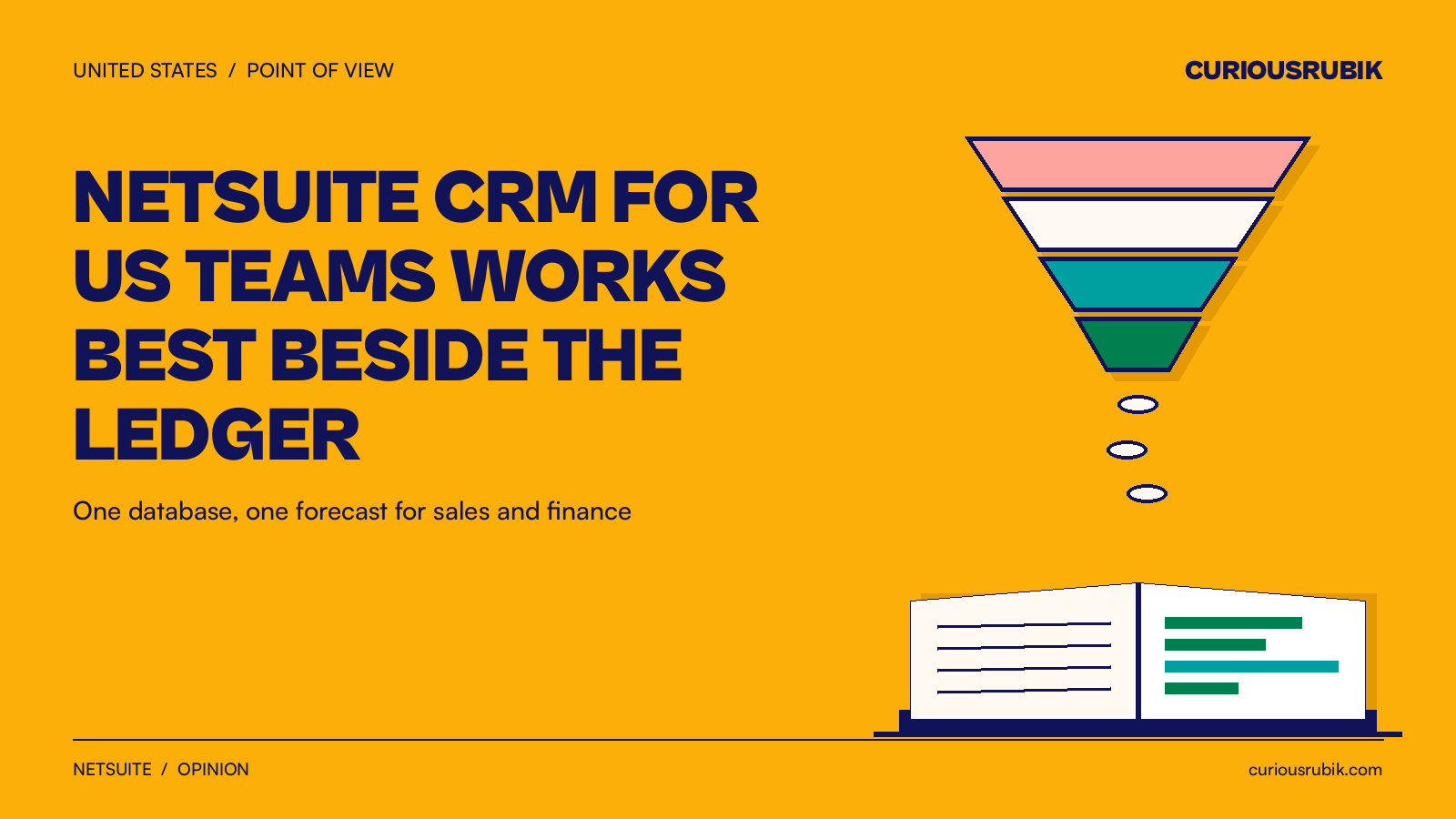
NetSuite CRM for US companies works best when it runs beside the ledger, on the same database as orders and invoices. Then the sales forecast adds open opportunities, quotes, unbilled orders and invoices in one place. Sales and finance read the same number, with shared rules for dates, probabilities and included deals.
Why should NetSuite CRM for US teams share one database with the books?
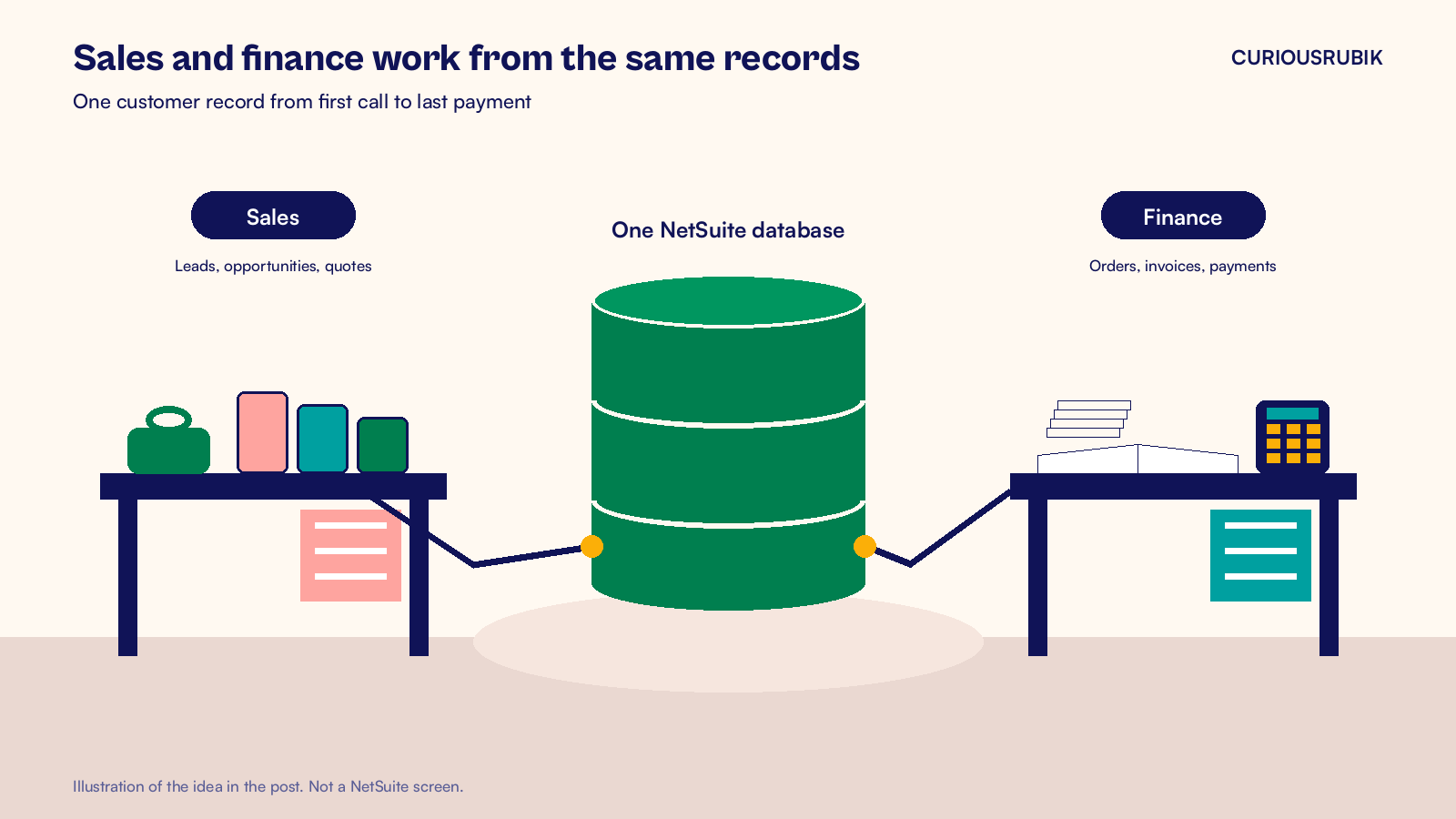
NetSuite CRM is the customer relationship part of NetSuite. It handles leads, opportunities, quotes, forecasts, campaigns and support cases, and it sits on the same records as your financials. A customer is one record from the first call to the last payment.
That shared record changes what a forecast can be. When the sales forecast lives elsewhere, finance may build its plan from a different set of records. Someone then has to reconcile the two before the monthly review.
NetSuite builds the forecast from four sources at once:
- Open opportunities that have no estimate included in the forecast.
- Estimates (quotes) marked Include In Forecast that are not yet closed sales.
- Sales orders that are not yet billed.
- Cash sales and invoices dated in the period.
The first two are sales activity. The last two are finance activity. Holding all four in one place lets finance trace the total back to real records. You still compare it with the revenue plan each month, but both start from the same data.
The stages follow the same logic. A lead becomes a prospect when someone creates an opportunity or an estimate for it. It becomes a customer when a sales transaction is entered or an opportunity closes. Nobody has to retype the account for finance.
Our guide to leads, prospects and customers in NetSuite walks through each stage.
A hypothetical quarter forecast in one place
Where the numbers come from
Here is how it looks for a hypothetical US distributor halfway through a quarter. Weighted forecasting is on, so NetSuite multiplies each included opportunity and estimate by its probability. The rows are separate deals, so no sale is counted twice.
| Source | Amount (USD) | Probability | Counts toward forecast (USD) |
|---|---|---|---|
| Open opportunities | 400,000 | 25% | 100,000 |
| Estimates included in forecast | 300,000 | 60% | 180,000 |
| Unbilled sales orders | 220,000 | Booked | 220,000 |
| Invoices dated this quarter | 500,000 | Billed | 500,000 |
| Forecast | 1,000,000 |
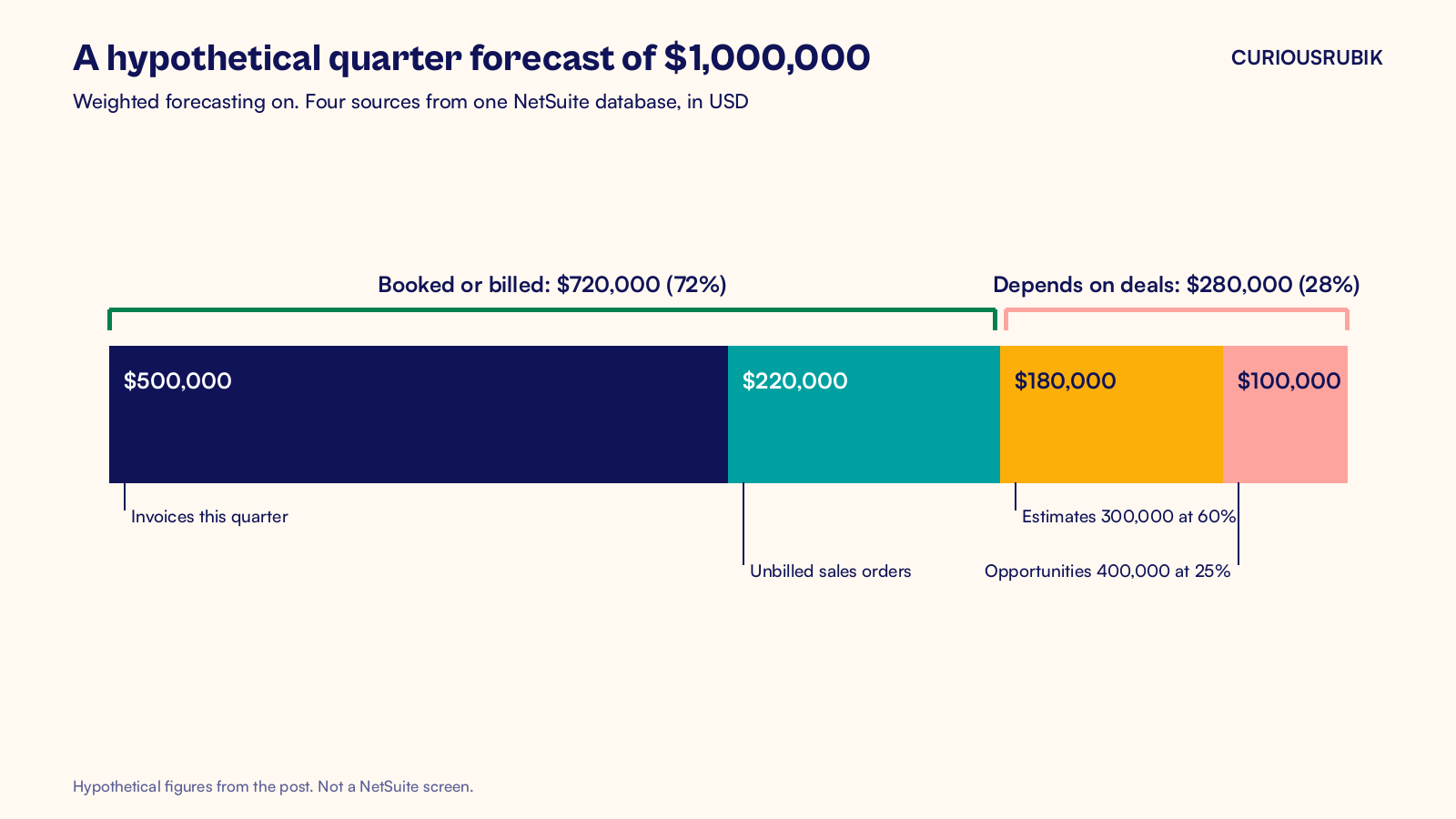
Look at what the CFO can do with that table. Seventy two percent of the forecast is already booked or billed. That is $720,000 of the $1,000,000. The remaining $280,000 depends on deals, and each one has a probability a sales manager can challenge in the pipeline review.
Why probability needs house rules
Probability is the field that needs discipline. Set the Probability field for each prospect status at Setup > Sales > Customer Statuses. Use that default as the starting point for each deal.
Then set a minimum forecast probability in Sales Preferences. Include In Forecast appears only when the estimate probability exceeds that minimum, so check the boundary as well as deals below it.
With Advanced Forecasting enabled, reps can place each deal in one of three forecast categories: worst case, most likely and upside. Worst case holds likely deals, most likely sits between the extremes and upside holds the long shots. A sales manager who reads all three sees the range, not just one hopeful total.
Run the weekly pipeline review from the forecast snapshots on the dashboard. Total Open Opportunities, Total Open Estimates, Forecast by Status and Sales Reps by Forecast are all standard. These dashboard views use current records and selected dates. They differ from the saved forecast created when a rep saves an override in the Forecast Editor.
With the right permissions, sales can review a customer's open invoices and credit status before quoting. Sales tax shows on the estimate, so the customer sees a realistic total. It is worked out again on the invoice, because dates, addresses or rates can change.
An estimate can be converted into a sales order, and our NetSuite order to cash guide follows it from there to the bank. After the invoice goes out, the same customer record drives collections, which our post on NetSuite DSO best practices covers.
What if your sales team already uses a separate CRM?
Many US companies do, and that can work well. The key is to decide which system owns which record and to keep NetSuite as the system of record for customers, items, prices, orders and invoices. Define when an approved deal should create a NetSuite sales order, then validate items, prices and tax details before accepting it. Send order status, invoices and payments back through the integration so reps can review them in their CRM.
If you take that route, build the forecast in NetSuite anyway. Feed it the open pipeline from the other system on a schedule, and keep orders and invoices where they already live. If a forecast rule needs code, run it through a request checklist first, like the one in our NetSuite customization checklist. Our ERP and CRM resource explains the record ownership choices in more detail.
NetSuite CRM is included with the platform, though sales users need CRM licenses. Confirm your entitlements before you budget. I suggest pricing those licenses next to the hours your team spends reconciling two sets of records.
My view is simple. A forecast is a finance number that sales activity feeds, not a sales number that finance corrects. When pipeline, quotes, orders and invoices live in one database, the forecast stops being a debate and becomes a review.
At CuriousRubik, we set up NetSuite CRM so the stages, probabilities and forecast match how your team actually sells. If you keep a separate CRM, our NetSuite CRM integration team can connect it with NetSuite as the system of record. We work with companies across the United States, from single entity distributors to groups with several subsidiaries.
Related reading
NetSuite Order to Cash Process: Flow and Best Practices
The flow from sales order to bank deposit, with an owner and a control for each step.
Leads, Prospects, Customers and Opportunities in NetSuite
How NetSuite moves a record through the sales stages and what each stage means.
NetSuite DSO Best Practices for US Finance Teams
Practices that help US finance teams get paid sooner once the sale is made.