Open the Record in Edit Mode using Workflow
To open the record in Edit mode performs the following steps:
Read article: Open the Record in Edit Mode using WorkflowCuriousRubik · Blog
To open the record in Edit mode performs the following steps:
Read article: Open the Record in Edit Mode using Workflow
User is getting you need “Set up Accounting” Permission to access this page when trying to view the memorized transaction. Even after granting Setup Accounting permission user still gets the same error.
Read article: Permissions required to grant access for Memorized Transactions
Go to Customization > Lists, Records & Fields > Transaction Column Fields > New Enter the name of the label and select the type as Free-Form or Integer Uncheck the Store Value checkbox and select applies to as Sales Under Validation and …
Read article: Placing Item Line Numbers on Transaction Records
Follow below steps to Disable GL Impact Option under More Actions on Sales Transactions.
Read article: Know how to disable "GL Impact" option under "More Actions" of Sales Transactions
Go to Setup > Customization > CRM Fields > Click New. Enter a value on Label field. Choose List/Record on Type field. Choose Transactions on List/Record field. Check on Store Value field. Check on Record is Parent. On Applies to > check on …
Read article: Know how to create a sub list on specific transaction type
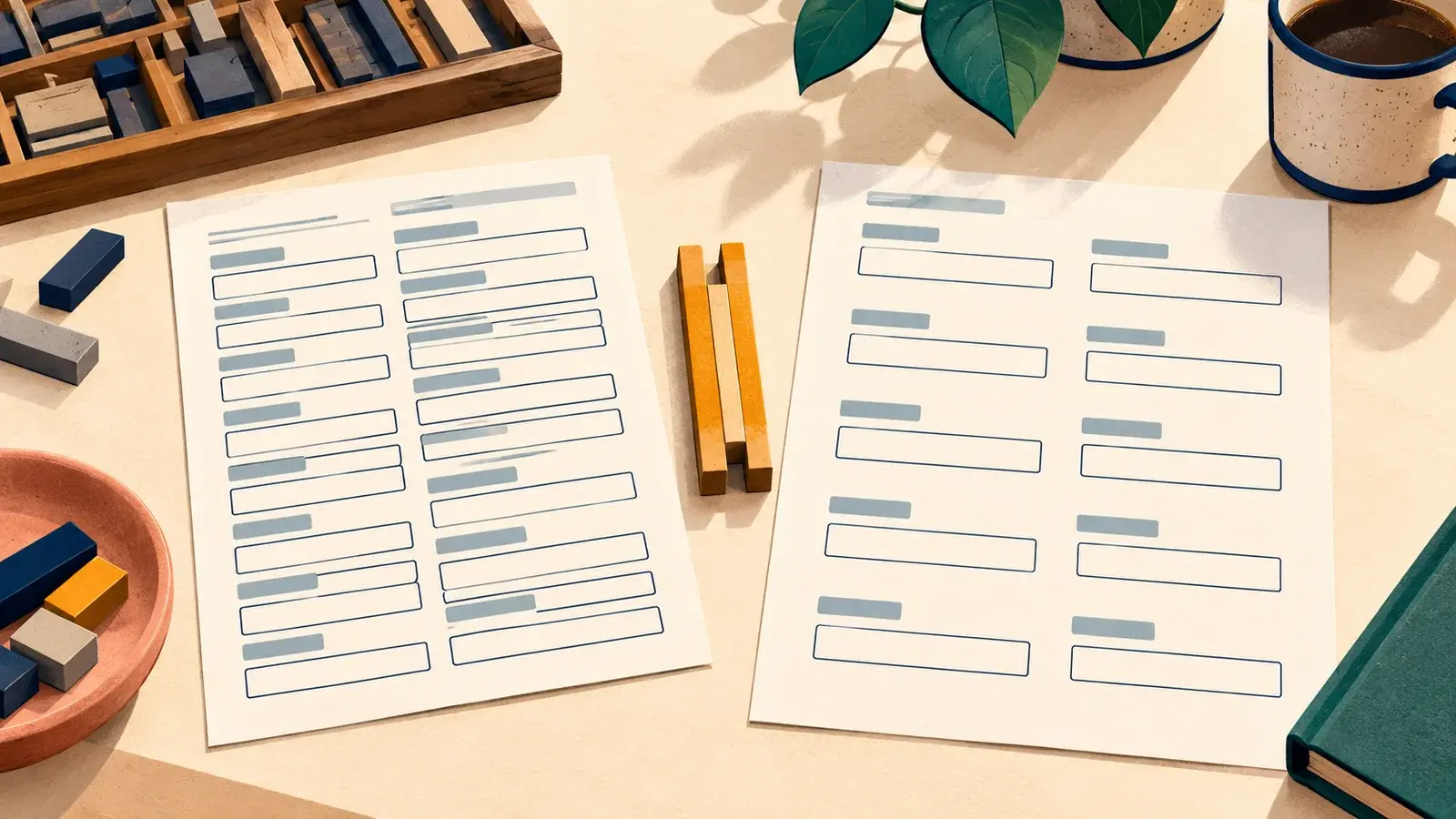
Go to Customization > Forms > Transaction PDF Layout > Choose PDF Layout Highlight the Body Field Element. The border will turn blue. On the Editor window on the left, under Element Size, set Height as 1.0. Click Save.
Read article: Minimize the Spaces in between the Transaction Body Fields when Printing PDF Layouts
When searching for transactions using Global Search the quick results will display the transaction name followed by the customer/vendor name in parenthesis:
Read article: Reason why Global Search showing (null) Beside the Transaction Name and Number
This warning message is usually encountered when a user is trying to delete a record in the system and it has child records as indicated under History> Transactions
Read article: Error: "This item cannot be deleted because it has child items", here is the resolution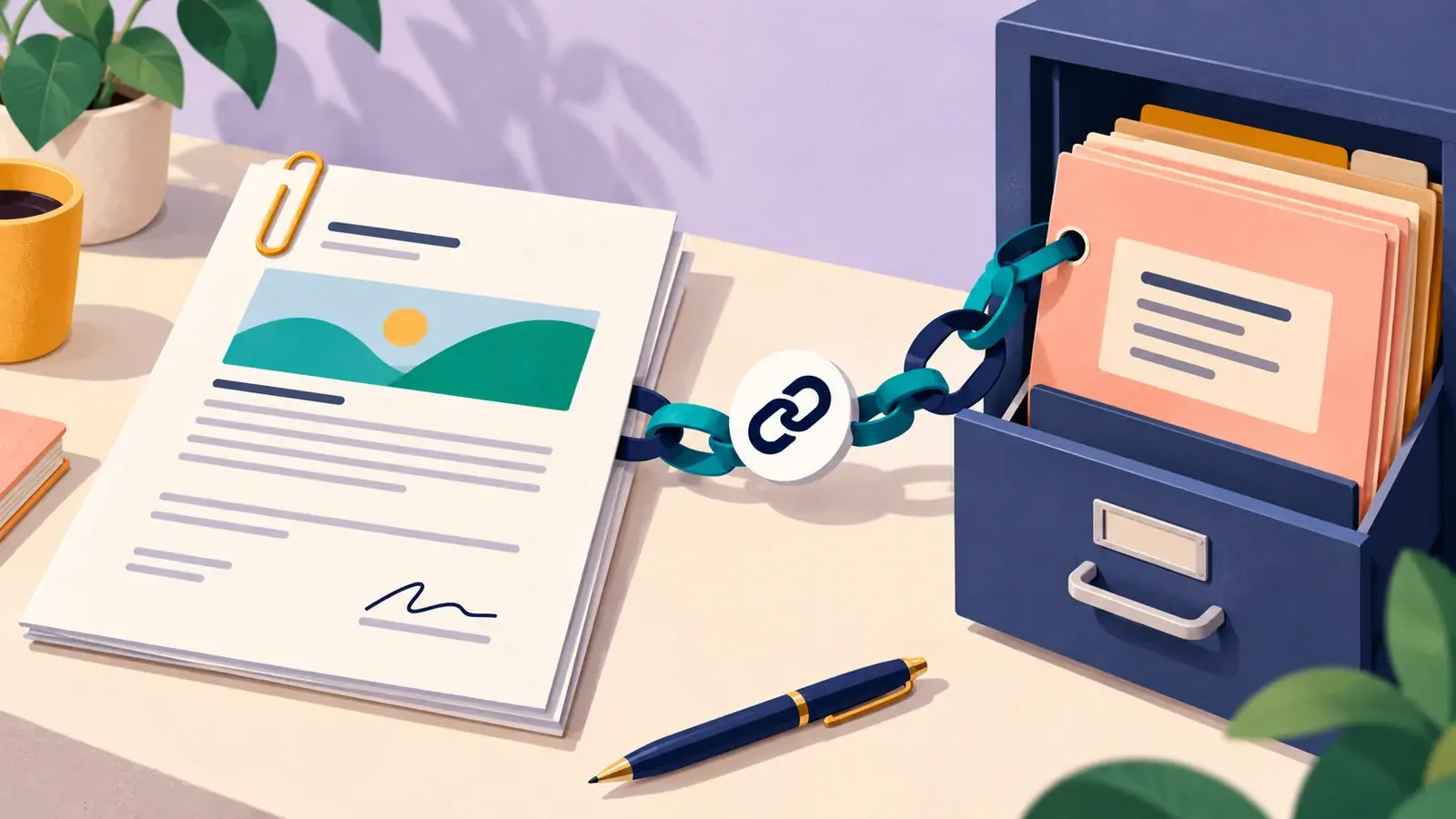
1. Create a Terms and Conditions like a PDF or a Word document. 2. Upload the Terms and Conditions file to the File Cabinet. 3. Navigate to Documents > File > File Cabinet > Find a folder to save the file. 4. Click Add File. 5. When the …
Read article: How to “Terms and Conditions” URL document on Transaction Printouts.