
CuriousRubik · Blog
CuriousRubik Blog
Practical NetSuite articles, implementation guidance, integrations and insights from CuriousRubik.
All articles
No articles match this search and category.
Try another keyword or choose a different category.
Search and category filtering are temporarily unavailable. Browse all articles using the page links below.
Loading search across all published articles. You can browse the articles below while it loads.

Learn about NetSuite Dashboard and How to Personalize NetSuite Dashboard?
The Dashboard is the first thing users will see when they login into the NetSuite, with dashboards users can get a high-level overview on what's happening on their day to day business.

How to Handle Assembly Work Orders in NetSuite
A work order is control your production and flow of inventory within your business, it means track the assembly items required for stock. work order representing a each step of physical work to be completed in a warehouse and track the …

How to track “Inventory Record & Item Types” in NetSuite
Track your items Individually or as group and can also track serial and lot number of you inventory. Includes history of the recent transaction in each inventory item.You can also Track the items individual or group of track the inventory …
How to create Matrix Assemblies & Phantom Assemblies in Netsuite.
Firstly enable the assembly items, Matrix items features to use matrix assemblies. After enable the features in item records contain a matrix assemblies. Matrix Assemblies: It is useful to planning the assembly items and production …

Explanation about Vendor creation and inactivation process in NetSuite OneWorld Account.
A vendor is a person or company that supplies goods or services to a company.
Creating Custom List Portlets in Netsuite
A portlet is essentially a visual plug-in that you can add and arrange on your NetSuite dashboard to highlight certain information. It gives you a snapshot of your business, and the plethora of portlet options allow you to tailor your …
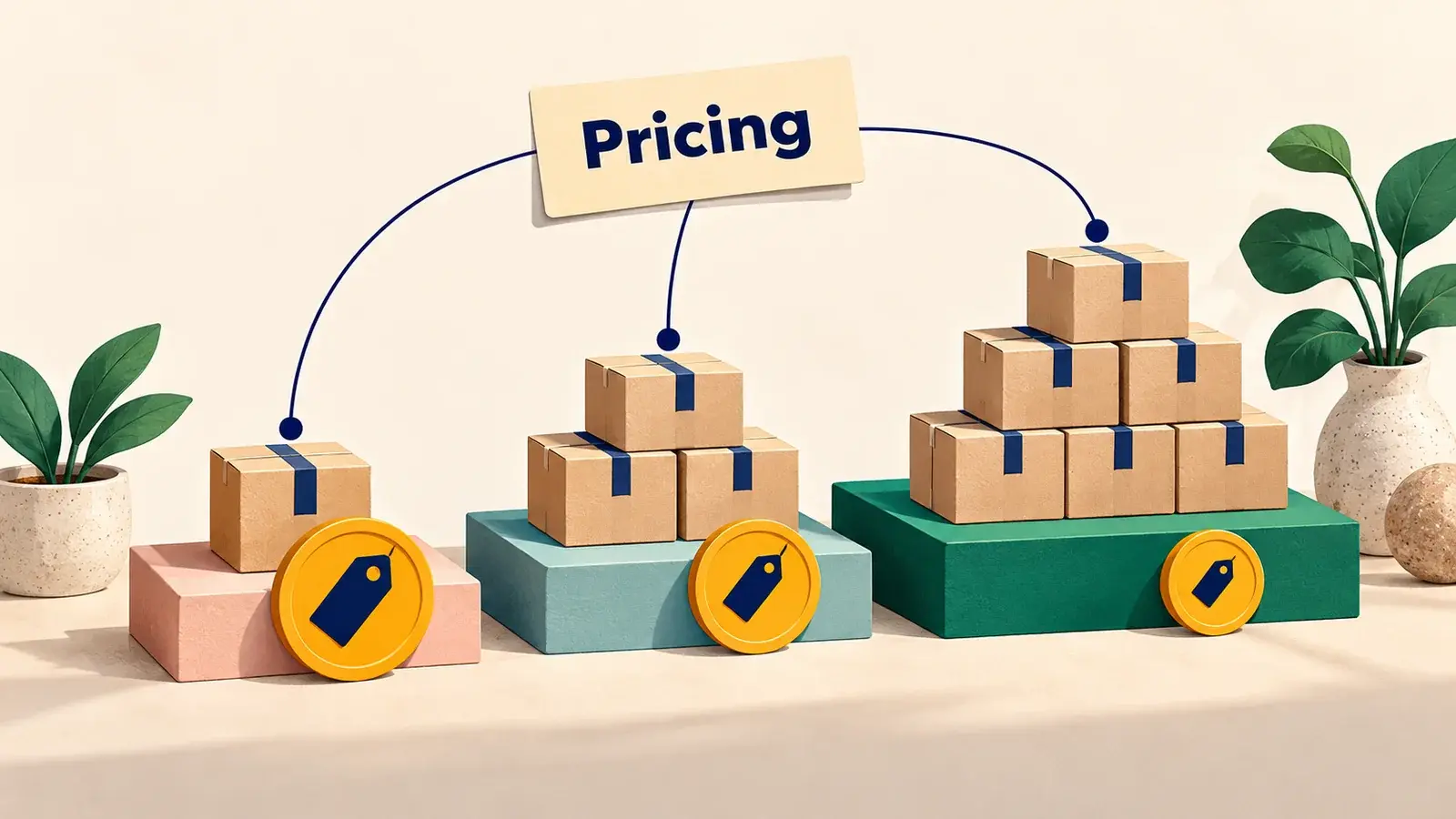
How to create & use ‘Pricing Group’ in NetSuite
By using ‘Pricing Group’, as per customer based prices are displayed in sales transactions. For example customer is a wholesaler. And sell the all items at wholesale price. In sales transactions price levels mentioning for each added item …
How to setup and use ‘Quantity Pricing’ in NetSuite
‘Quantity Pricing’ is one of the most profitable way for a company or an organization to sell more quantity items to one customer. When gives discount on item as per quantity based to attract the customer for purchase more quantity items. …

NetSuite Transfer Orders and Intercompany Inventory Movement
Choose a NetSuite inventory transfer when a simple one-step location movement matches the business event. Choose a transfer order when you need separate shipment, in-transit and receipt stages. When goods move between subsidiaries, …
Learn about NetSuite Dashboard and How to Personalize NetSuite Dashboard?
The Dashboard is the first thing users will see when they login into the NetSuite, with dashboards users can get a high-level overview on what's happening on their day to day business.
How to Handle Assembly Work Orders in NetSuite
A work order is control your production and flow of inventory within your business, it means track the assembly items required for stock. work order representing a each step of physical work to be completed in a warehouse and track the …
How to track “Inventory Record & Item Types” in NetSuite
Track your items Individually or as group and can also track serial and lot number of you inventory. Includes history of the recent transaction in each inventory item.You can also Track the items individual or group of track the inventory …
How to create Matrix Assemblies & Phantom Assemblies in Netsuite.
Firstly enable the assembly items, Matrix items features to use matrix assemblies. After enable the features in item records contain a matrix assemblies. Matrix Assemblies: It is useful to planning the assembly items and production …
Explanation about Vendor creation and inactivation process in NetSuite OneWorld Account.
A vendor is a person or company that supplies goods or services to a company.
Creating Custom List Portlets in Netsuite
A portlet is essentially a visual plug-in that you can add and arrange on your NetSuite dashboard to highlight certain information. It gives you a snapshot of your business, and the plethora of portlet options allow you to tailor your …
How to create & use ‘Pricing Group’ in NetSuite
By using ‘Pricing Group’, as per customer based prices are displayed in sales transactions. For example customer is a wholesaler. And sell the all items at wholesale price. In sales transactions price levels mentioning for each added item …
How to setup and use ‘Quantity Pricing’ in NetSuite
‘Quantity Pricing’ is one of the most profitable way for a company or an organization to sell more quantity items to one customer. When gives discount on item as per quantity based to attract the customer for purchase more quantity items. …
NetSuite Transfer Orders and Intercompany Inventory Movement
Choose a NetSuite inventory transfer when a simple one-step location movement matches the business event. Choose a transfer order when you need separate shipment, in-transit and receipt stages. When goods move between subsidiaries, …