Preparing Each Team for Changes in an ERP Rollout
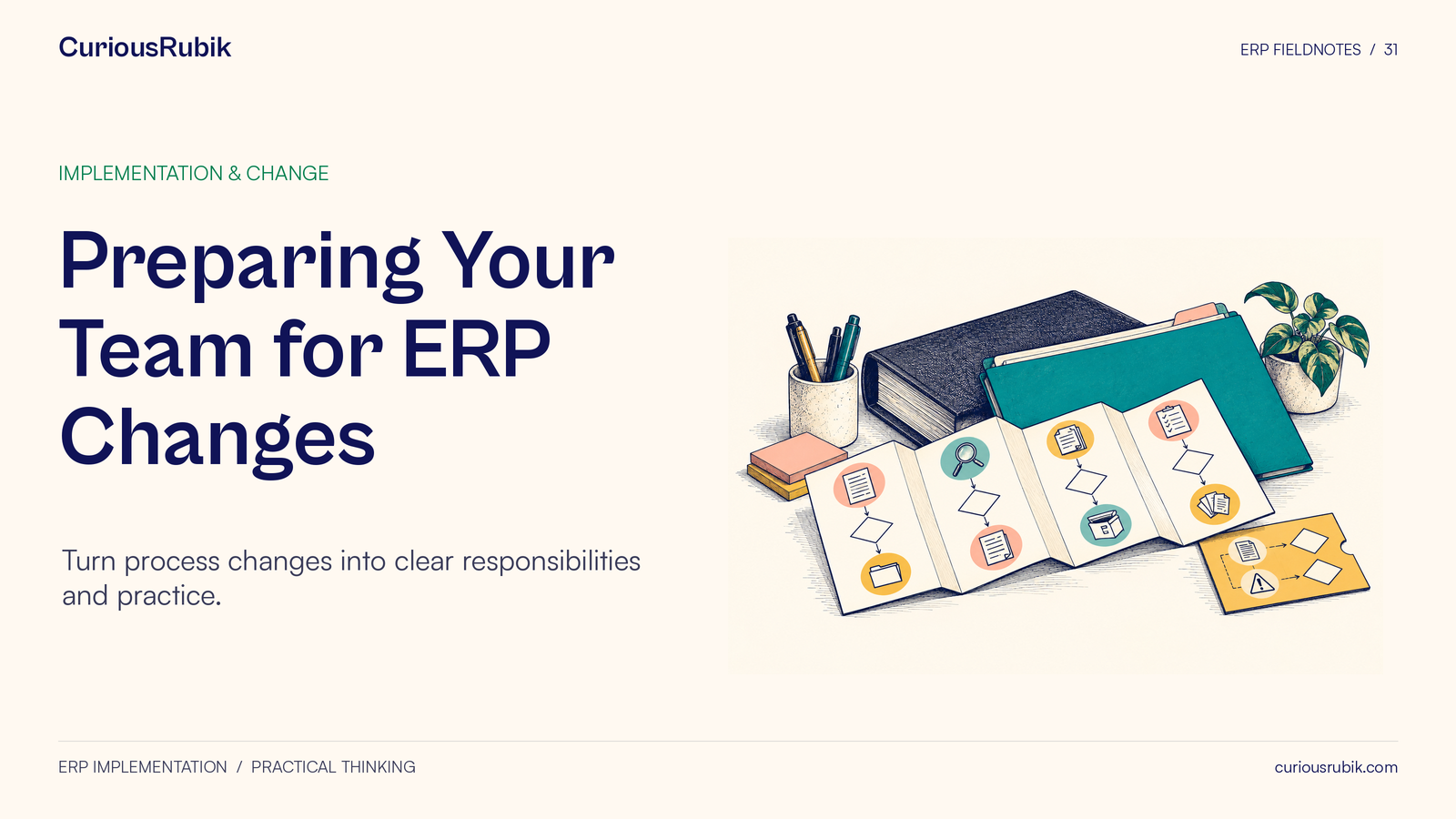
Preparing Your Team for ERP Changes. Turn process changes into clear responsibilities and practice.
CuriousRubik · Blog
Practical NetSuite articles, implementation guidance, integrations and insights from CuriousRubik.
No articles match this search and category.
Try another keyword or choose a different category.
Search and category filtering are temporarily unavailable. Browse all articles using the page links below.
Loading search across all published articles. You can browse the articles below while it loads.
Preparing Your Team for ERP Changes. Turn process changes into clear responsibilities and practice.
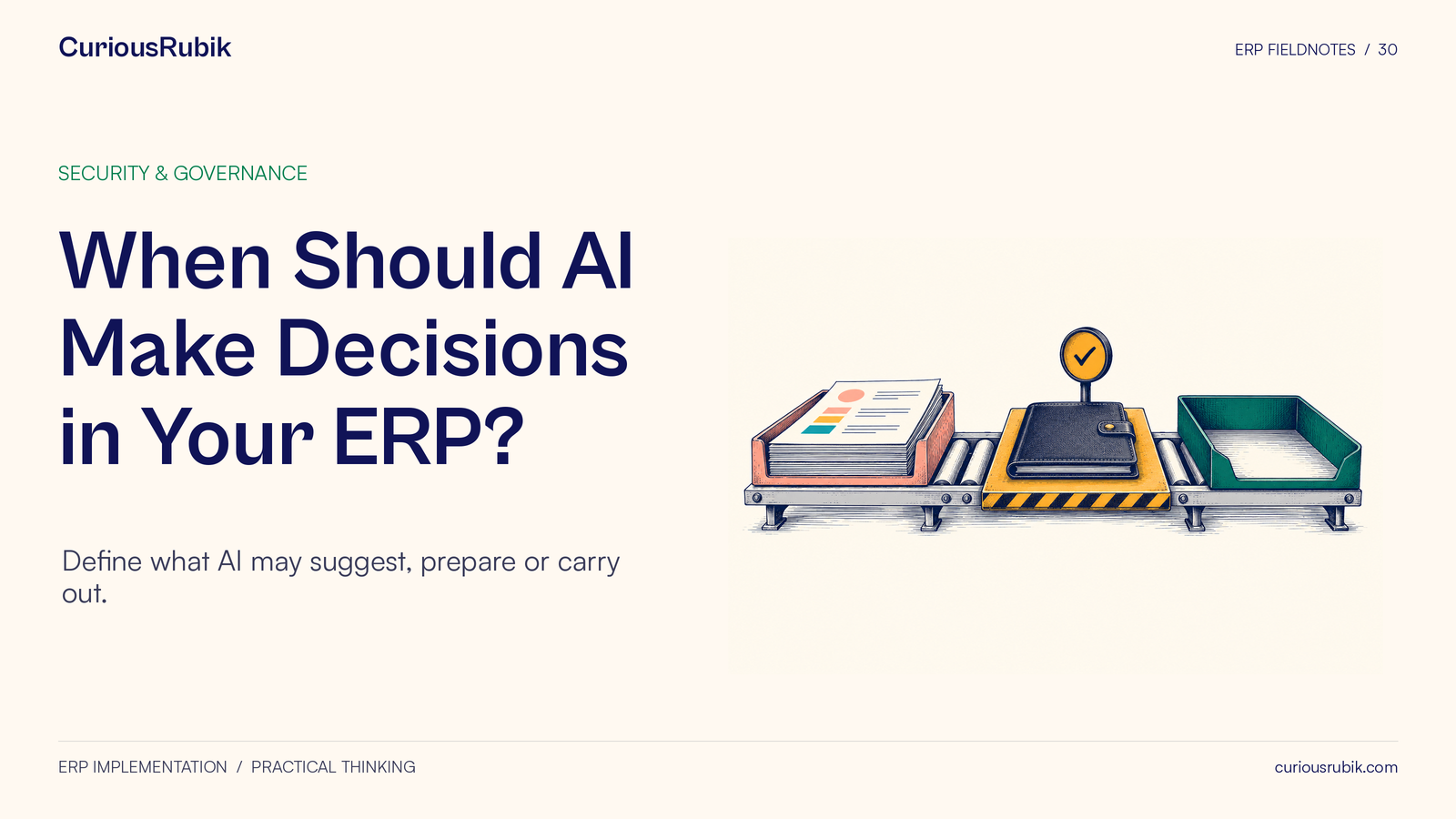
When Should AI Make Decisions in Your ERP? Define what AI may suggest, prepare or carry out.
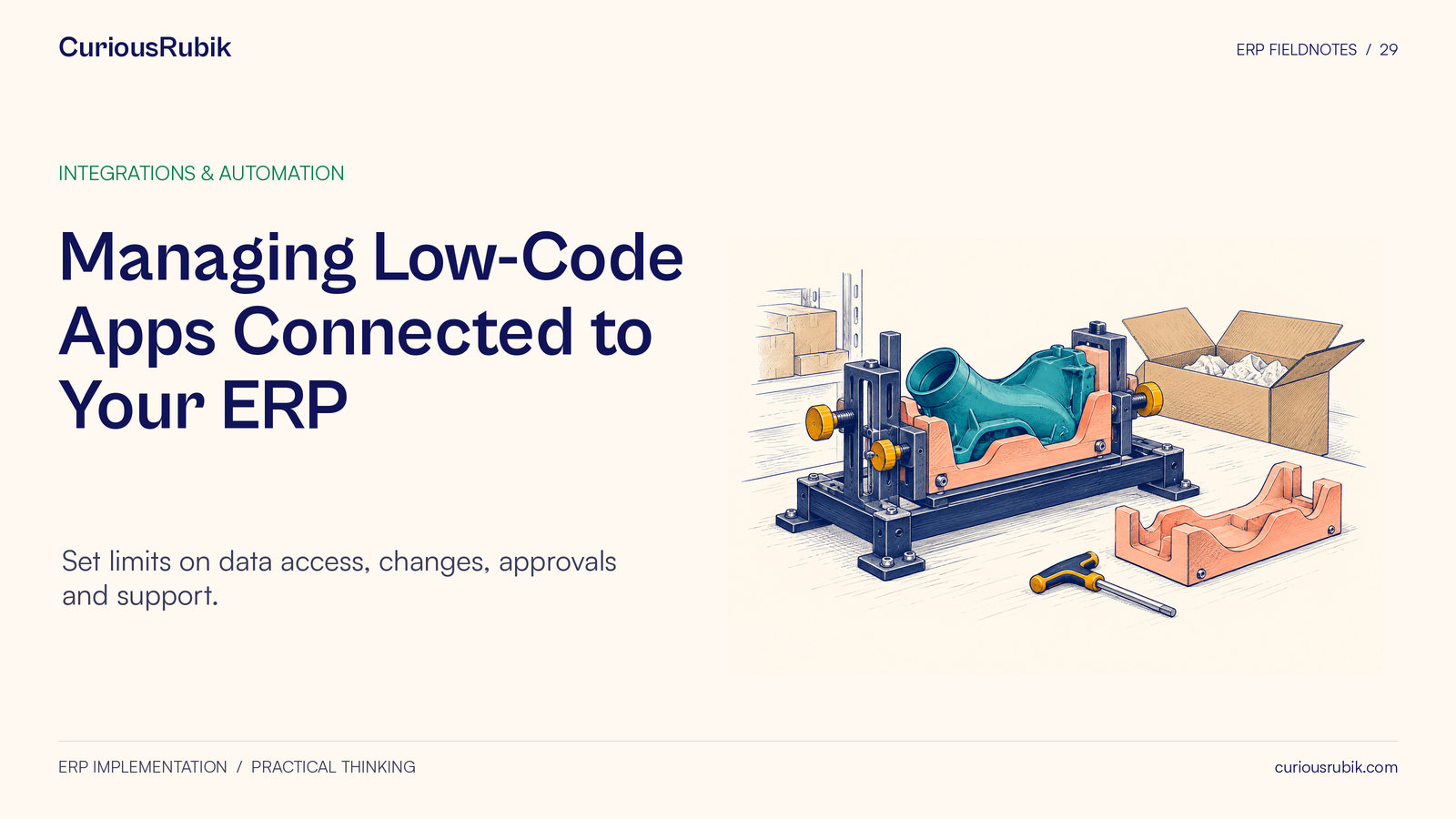
Managing Low-Code Apps Connected to Your ERP. Set limits on data access, changes, approvals and support.
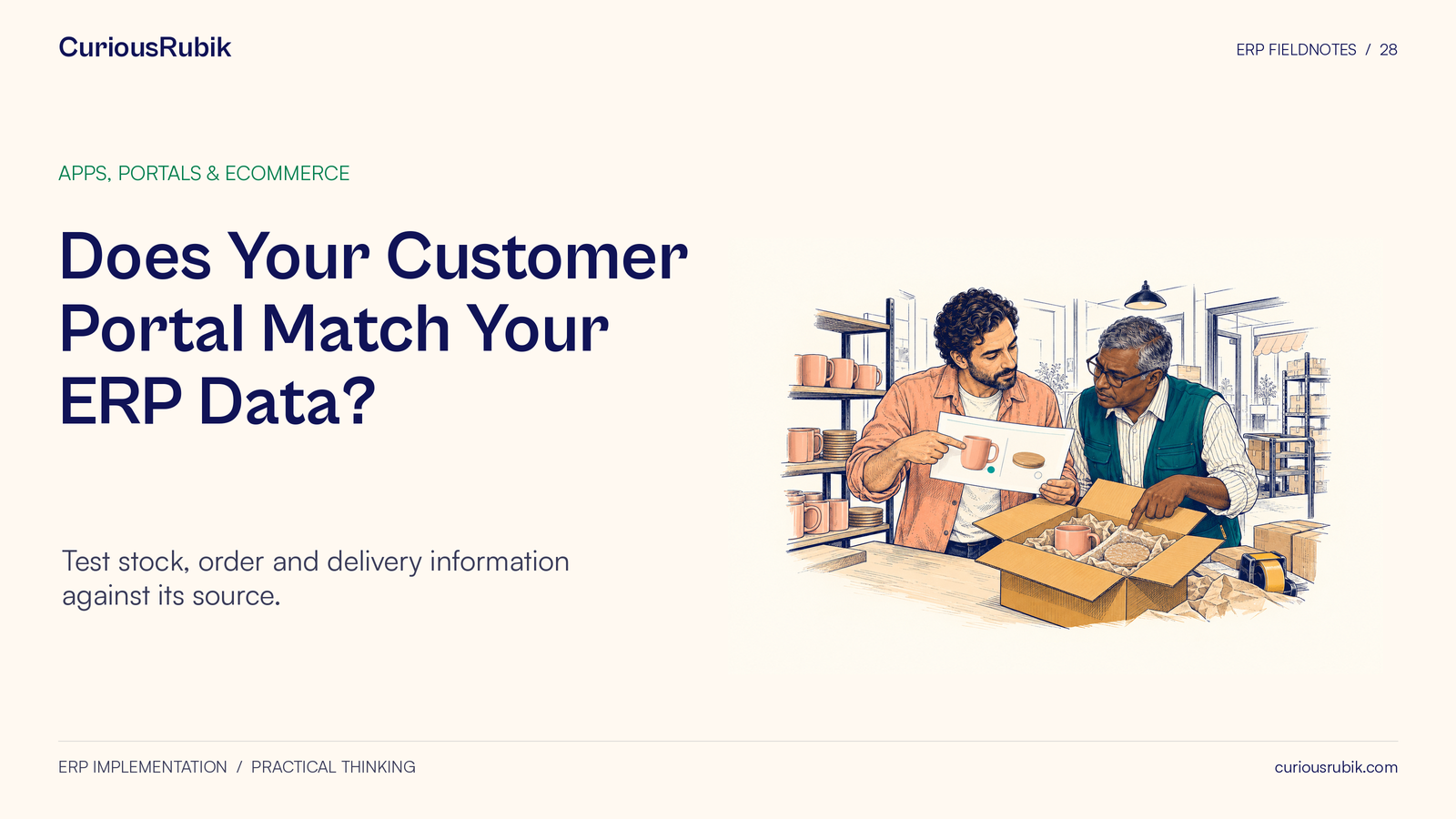
Does Your Customer Portal Match Your ERP Data? Test stock, order and delivery information against its source.
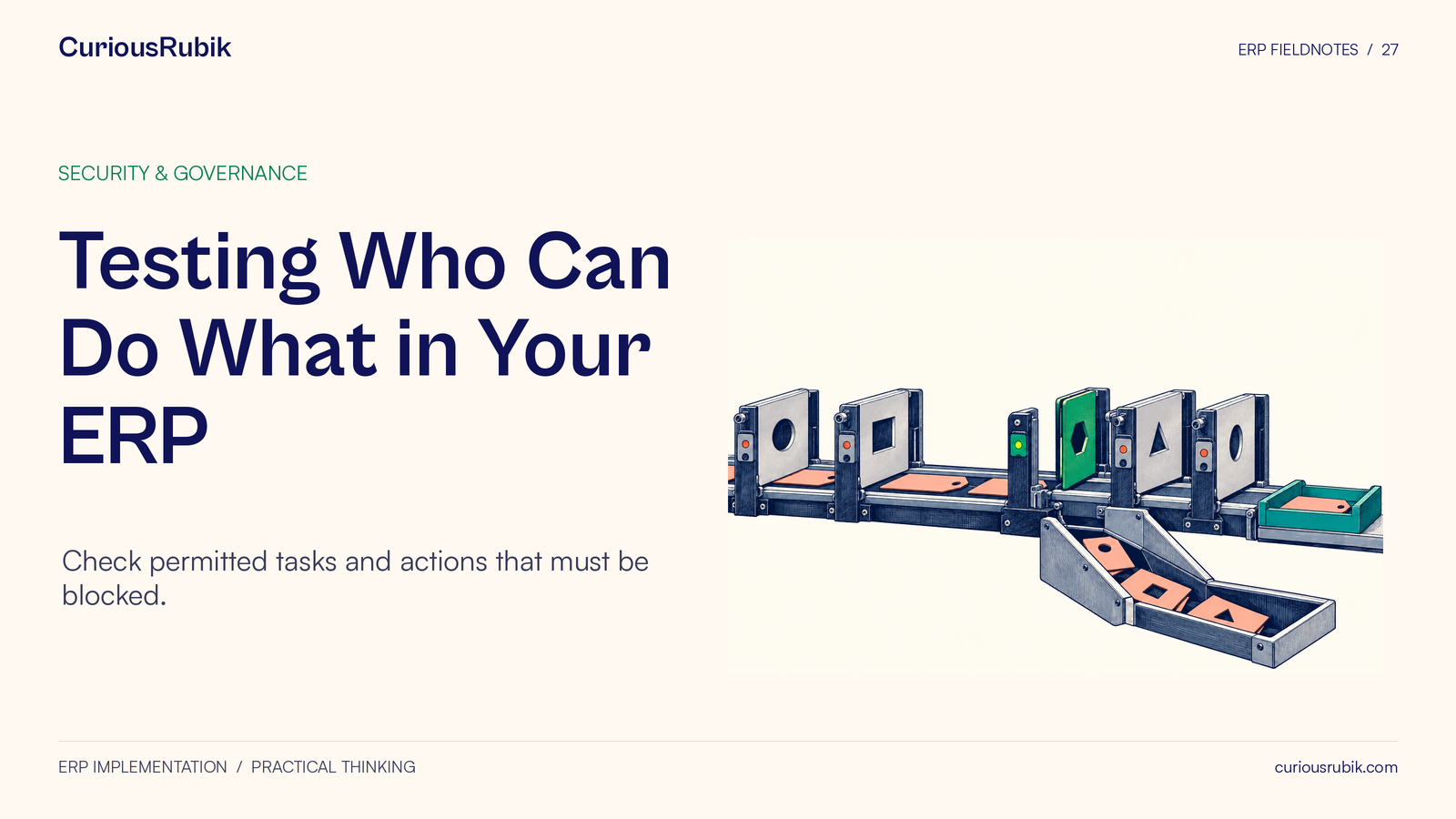
Testing Who Can Do What in Your ERP. Check permitted tasks and actions that must be blocked.
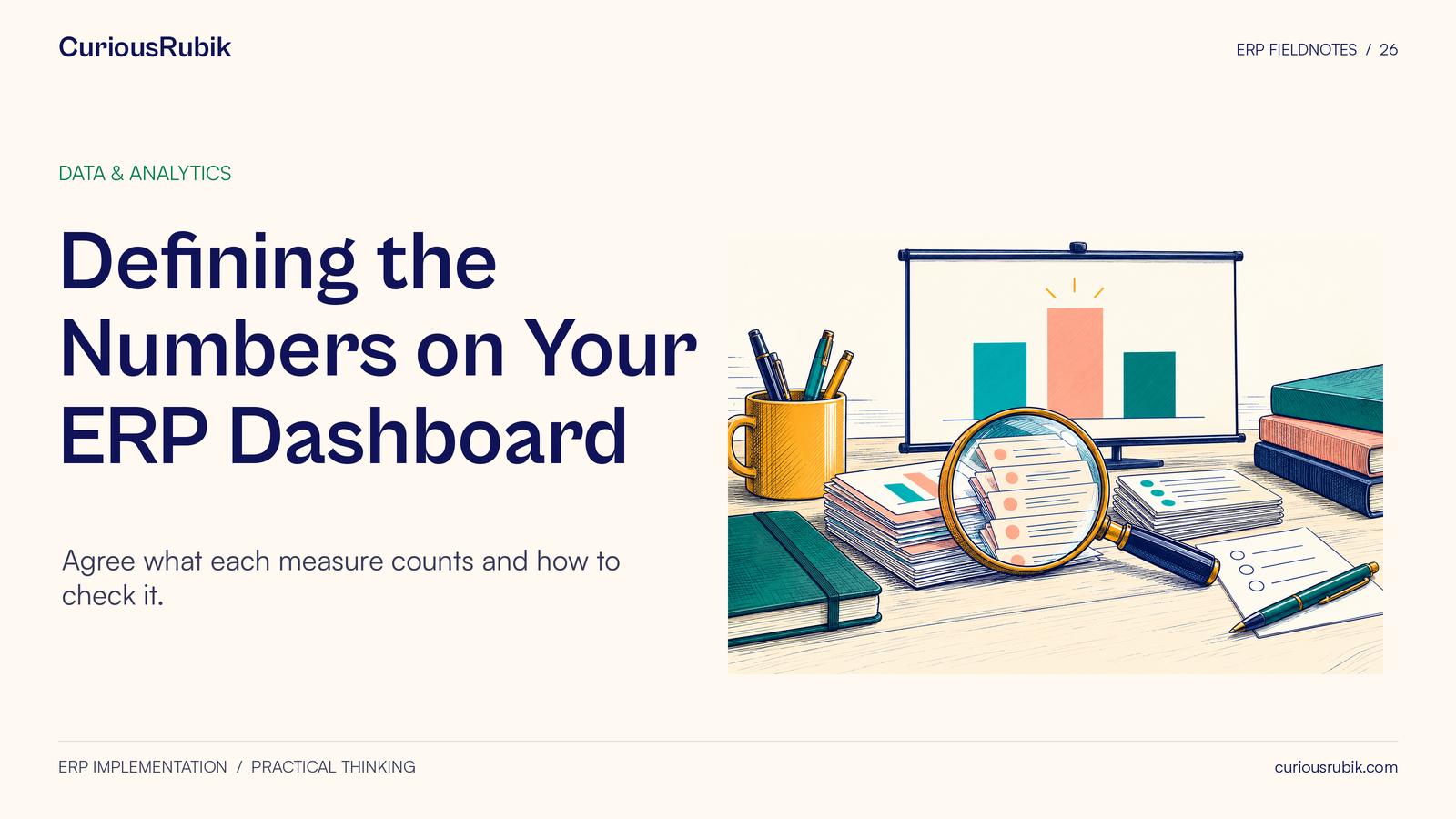
Defining the Numbers on Your ERP Dashboard. Agree what each measure counts and how to check it.
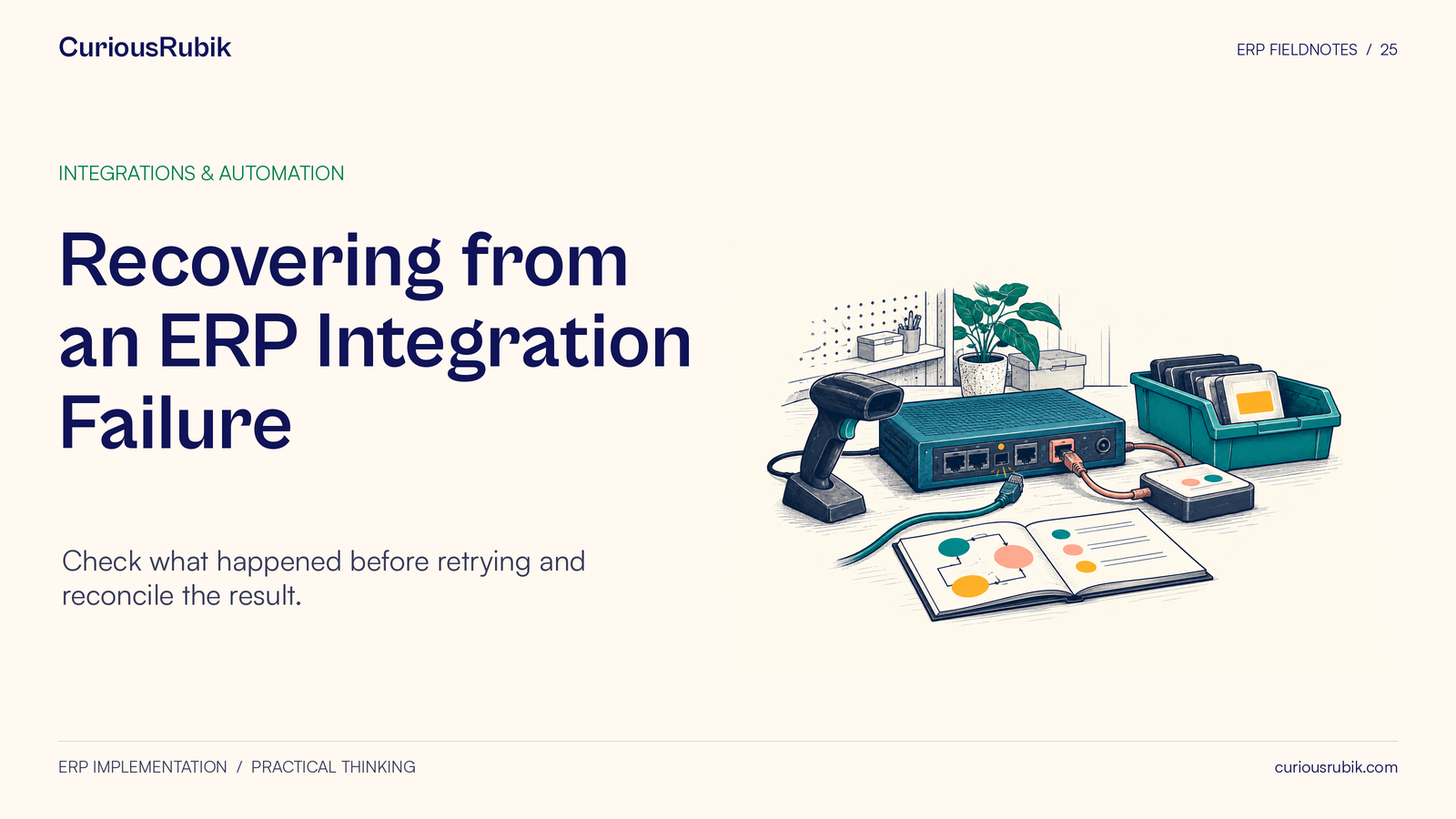
Recovering from an ERP Integration Failure. Check what happened before retrying and reconcile the result.
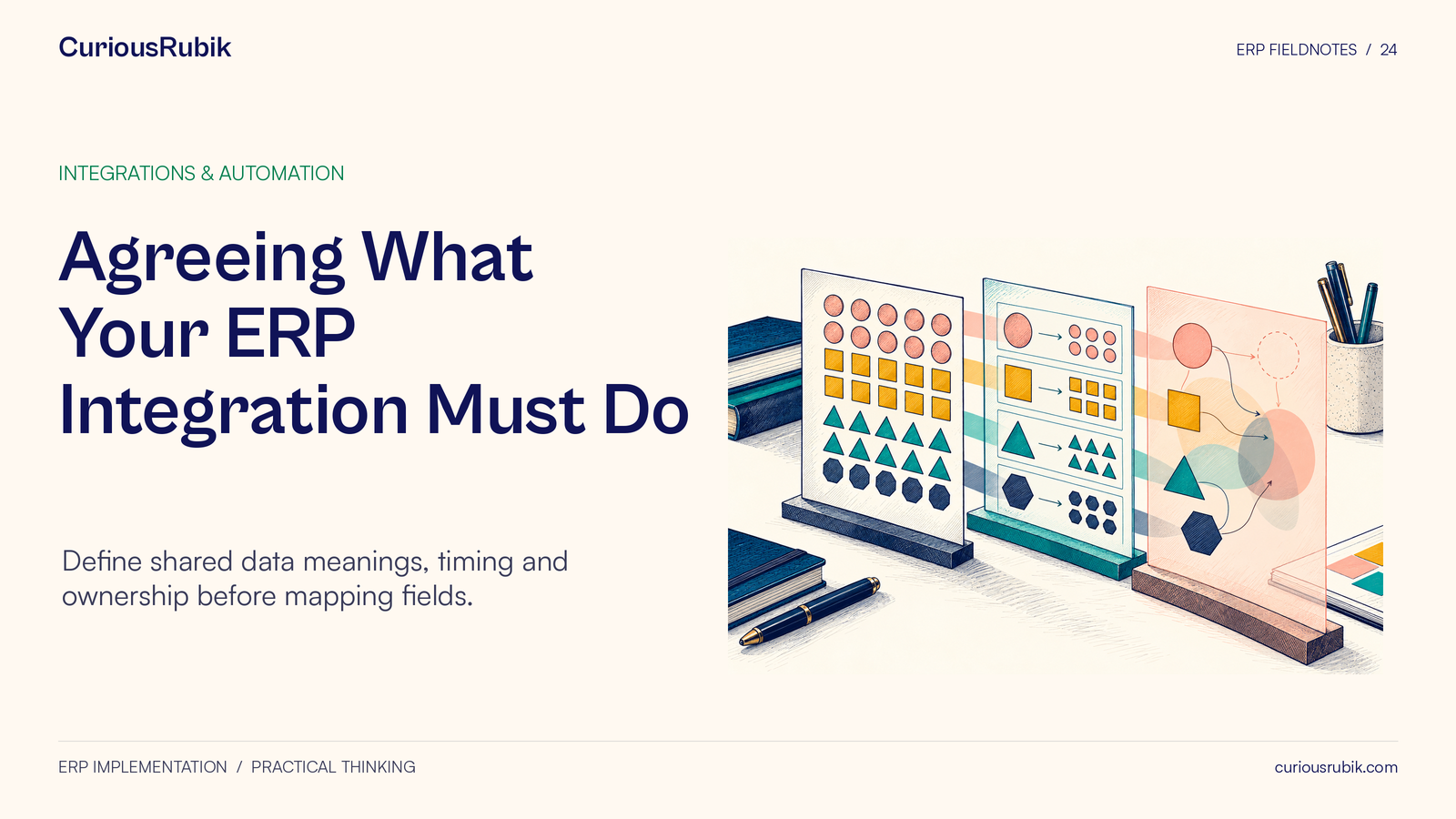
Agreeing What Your ERP Integration Must Do. Define shared data meanings, timing and ownership before mapping fields.
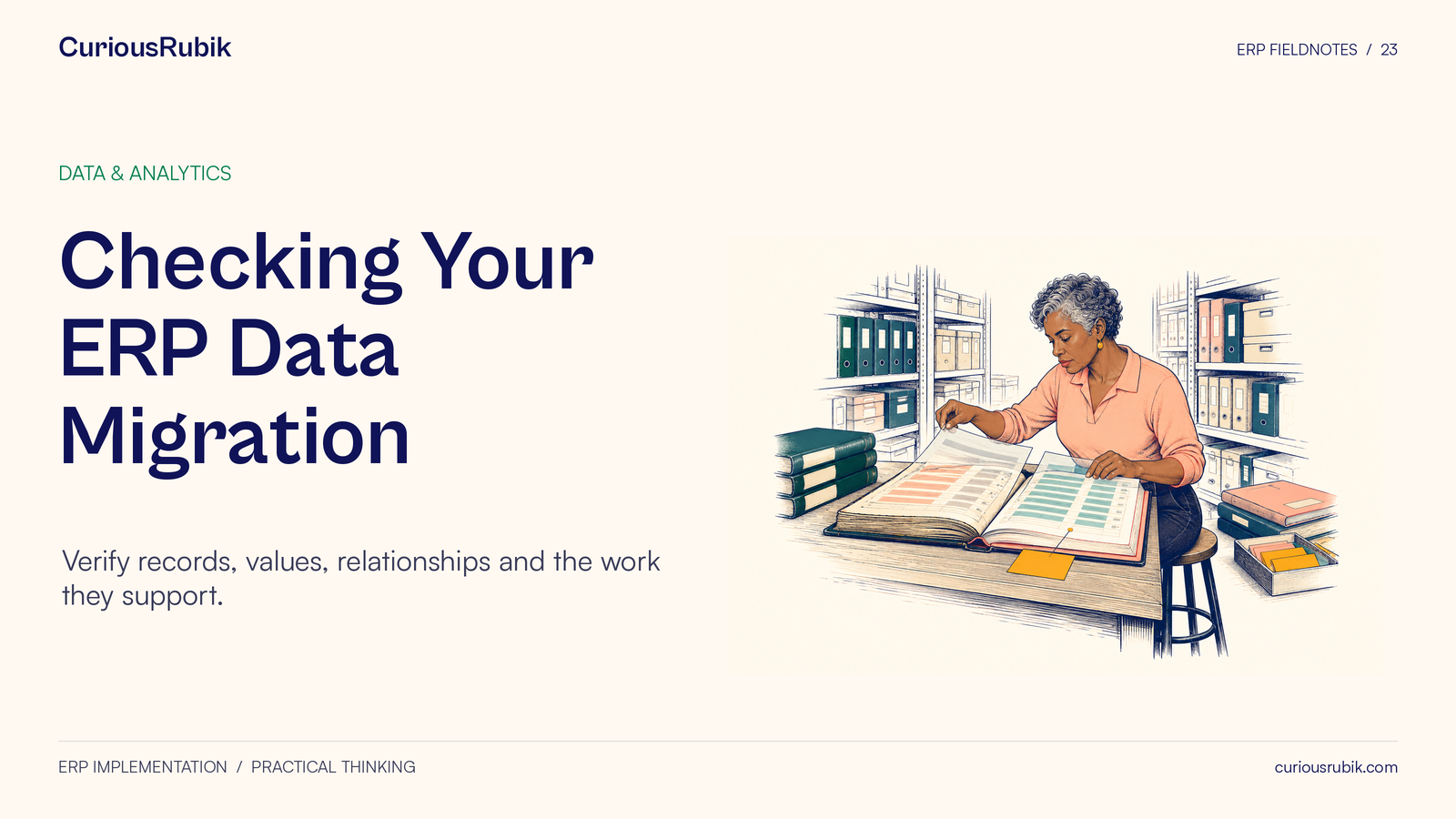
Checking Your ERP Data Migration. Verify records, values, relationships and the work they support.
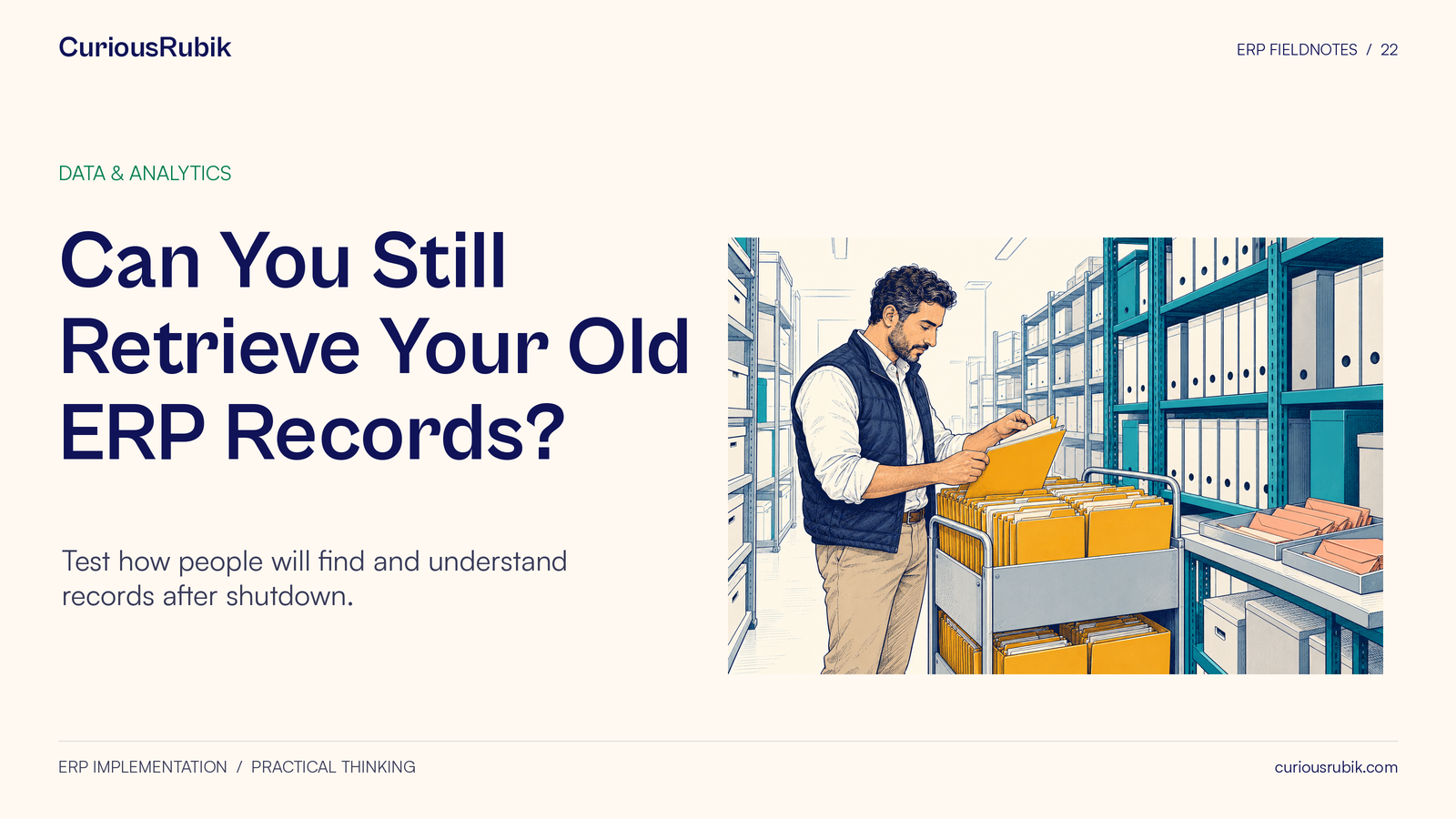
Can You Still Retrieve Your Old ERP Records? Test how people will find and understand records after shutdown.
Preparing Your Team for ERP Changes. Turn process changes into clear responsibilities and practice.
When Should AI Make Decisions in Your ERP? Define what AI may suggest, prepare or carry out.
Managing Low-Code Apps Connected to Your ERP. Set limits on data access, changes, approvals and support.
Does Your Customer Portal Match Your ERP Data? Test stock, order and delivery information against its source.
Testing Who Can Do What in Your ERP. Check permitted tasks and actions that must be blocked.
Defining the Numbers on Your ERP Dashboard. Agree what each measure counts and how to check it.
Recovering from an ERP Integration Failure. Check what happened before retrying and reconcile the result.
Agreeing What Your ERP Integration Must Do. Define shared data meanings, timing and ownership before mapping fields.
Checking Your ERP Data Migration. Verify records, values, relationships and the work they support.
Can You Still Retrieve Your Old ERP Records? Test how people will find and understand records after shutdown.