
CuriousRubik · Blog
CuriousRubik Blog
Practical NetSuite articles, implementation guidance, integrations and insights from CuriousRubik.
All articles
No articles match this search and category.
Try another keyword or choose a different category.
Search and category filtering are temporarily unavailable. Browse all articles using the page links below.
Loading search across all published articles. You can browse the articles below while it loads.

Know how to Issue Customer Refund through Gift Certificate
Perform the following steps to Issue a Customer Refund to a customer through a “Gift Certificate”

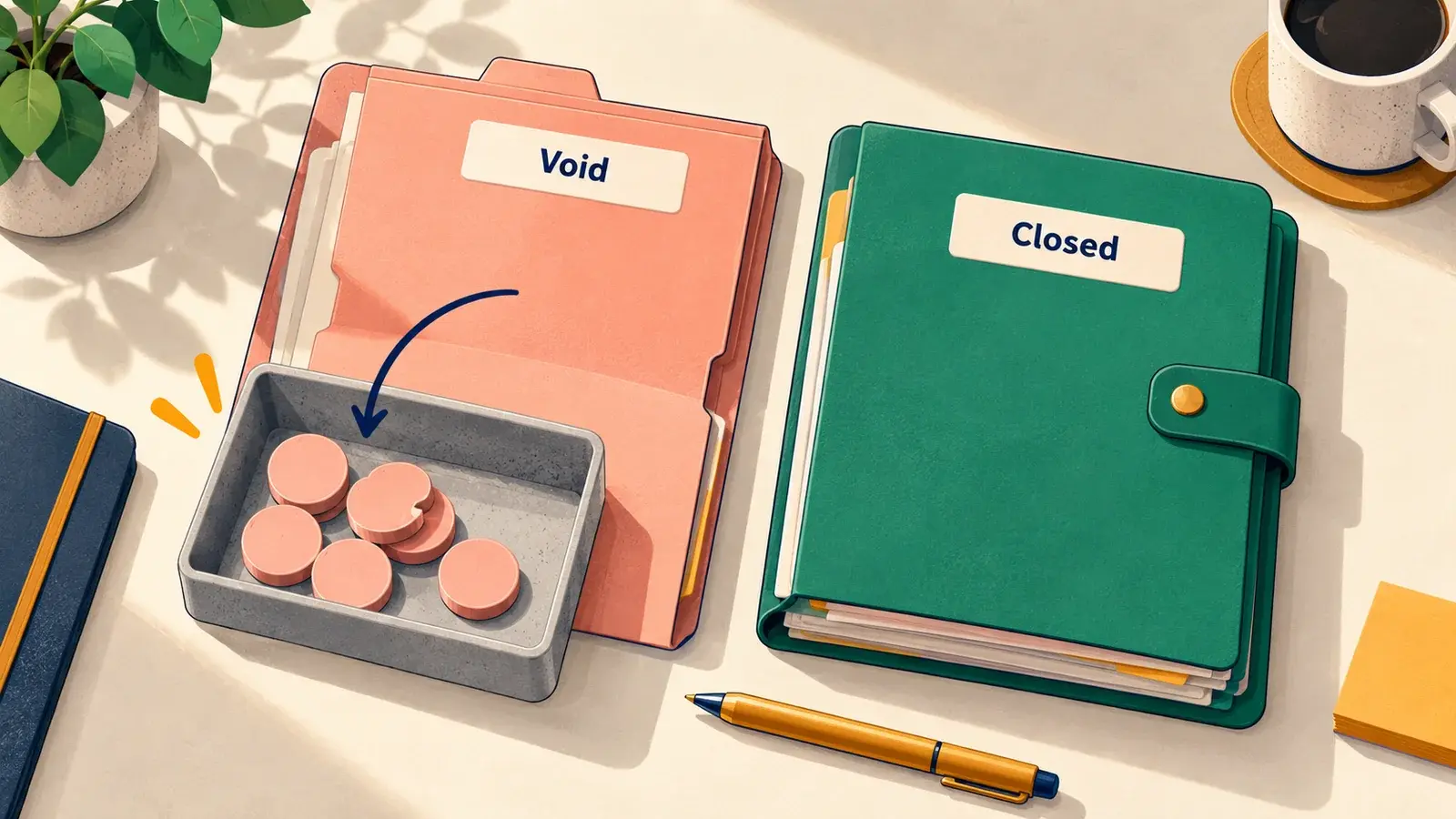
Void a Customer Payment in a Closed Period
On a closed period a payment record cannot be voided without reopening the period. As a workaround a reverse journal entry can be created to apply against the payment transaction to essentially cancel the payment. Perform the below steps …

Know how to disable "GL Impact" option under "More Actions" of Sales Transactions
Follow below steps to Disable GL Impact Option under More Actions on Sales Transactions.

Know how to create a sub list on specific transaction type
Go to Setup > Customization > CRM Fields > Click New. Enter a value on Label field. Choose List/Record on Type field. Choose Transactions on List/Record field. Check on Store Value field. Check on Record is Parent. On Applies to > check on …
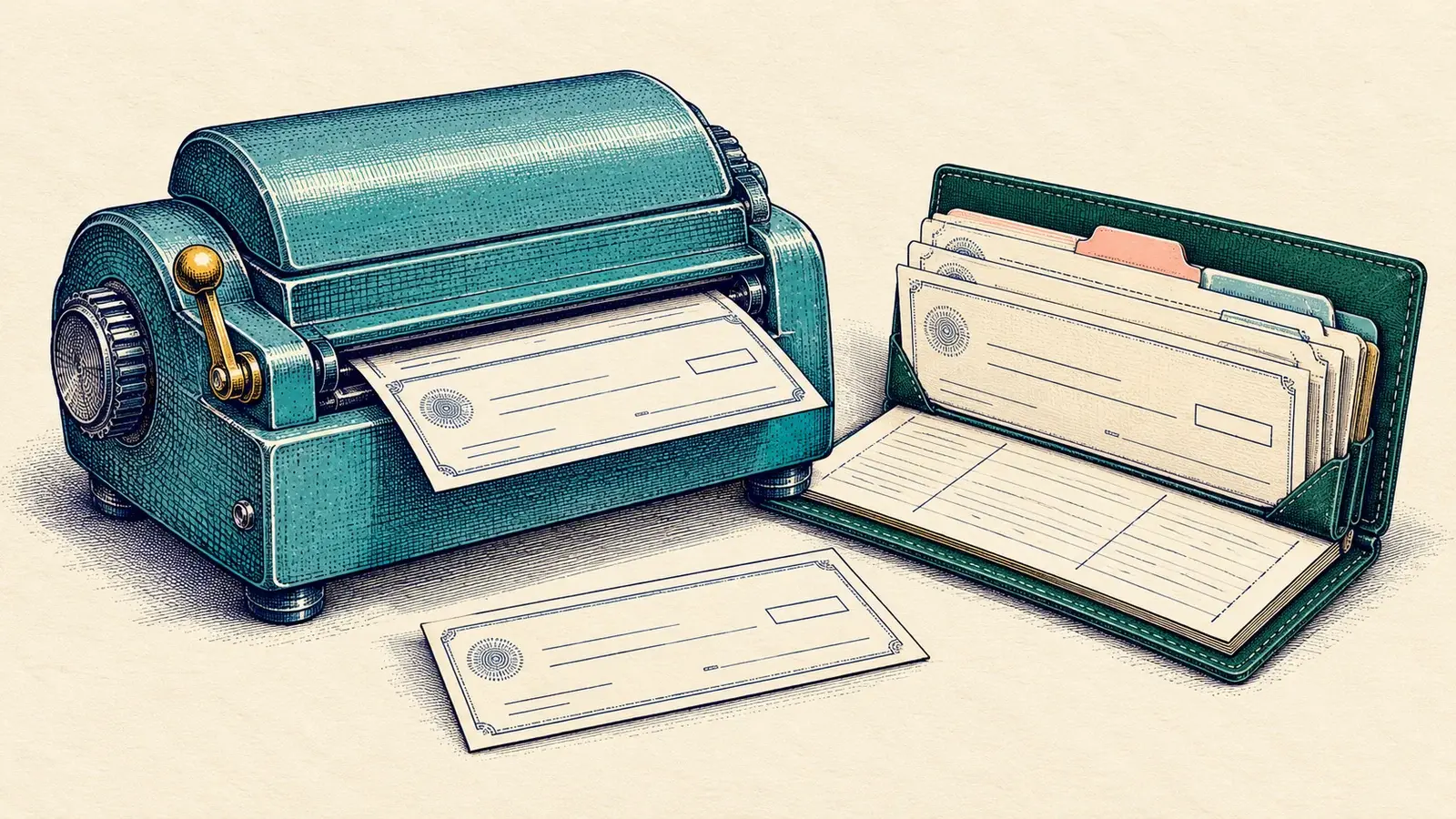
Reprinting Checks
To reprint checks:

Minimize the Spaces in between the Transaction Body Fields when Printing PDF Layouts
Go to Customization > Forms > Transaction PDF Layout > Choose PDF Layout Highlight the Body Field Element. The border will turn blue. On the Editor window on the left, under Element Size, set Height as 1.0. Click Save.

Reason why Global Search showing (null) Beside the Transaction Name and Number
When searching for transactions using Global Search the quick results will display the transaction name followed by the customer/vendor name in parenthesis:

Error: "This item cannot be deleted because it has child items", here is the resolution
This warning message is usually encountered when a user is trying to delete a record in the system and it has child records as indicated under History> Transactions
Know how to Issue Customer Refund through Gift Certificate
Perform the following steps to Issue a Customer Refund to a customer through a “Gift Certificate”
Void a Customer Payment in a Closed Period
On a closed period a payment record cannot be voided without reopening the period. As a workaround a reverse journal entry can be created to apply against the payment transaction to essentially cancel the payment. Perform the below steps …
Know how to disable "GL Impact" option under "More Actions" of Sales Transactions
Follow below steps to Disable GL Impact Option under More Actions on Sales Transactions.
Know how to create a sub list on specific transaction type
Go to Setup > Customization > CRM Fields > Click New. Enter a value on Label field. Choose List/Record on Type field. Choose Transactions on List/Record field. Check on Store Value field. Check on Record is Parent. On Applies to > check on …
Reprinting Checks
To reprint checks:
Minimize the Spaces in between the Transaction Body Fields when Printing PDF Layouts
Go to Customization > Forms > Transaction PDF Layout > Choose PDF Layout Highlight the Body Field Element. The border will turn blue. On the Editor window on the left, under Element Size, set Height as 1.0. Click Save.
Reason why Global Search showing (null) Beside the Transaction Name and Number
When searching for transactions using Global Search the quick results will display the transaction name followed by the customer/vendor name in parenthesis:
Error: "This item cannot be deleted because it has child items", here is the resolution
This warning message is usually encountered when a user is trying to delete a record in the system and it has child records as indicated under History> Transactions